











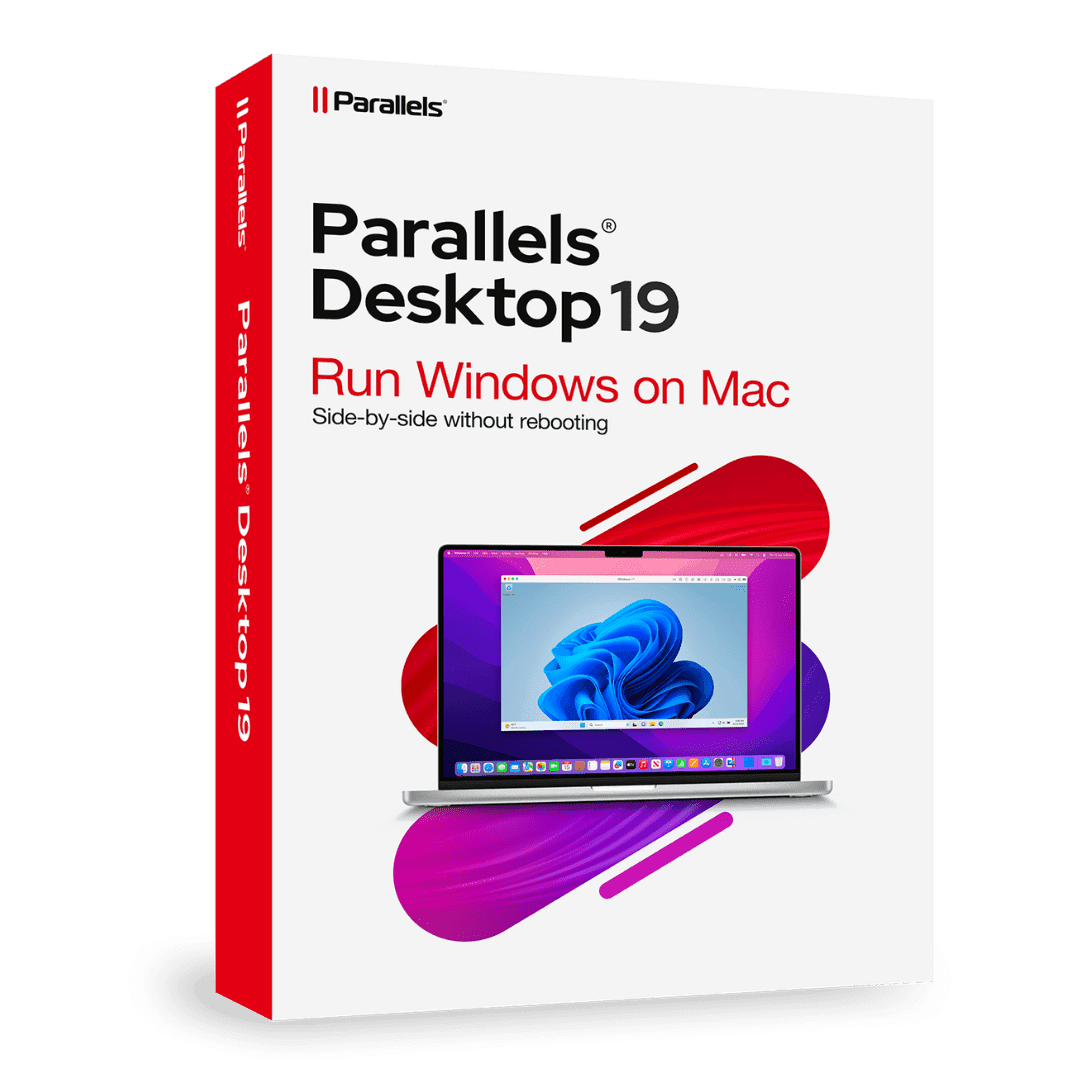

Parallels Desktop Standard 19 Mac

Trusted Shops
Buyer Protection guaranteed refund
Parallels Desktop 19 Standard per Mac
Original License Guaranteed by Licensel.com
Licensel is an Authorised Parallels Reseller. Compatible with Macs featuring Apple Silicon (M1, M2, M3, M4) and Intel chips.
| Language | Italian, Multi-Language |
|---|---|
| License Duration | Perpetual or annual |
| Operating System | macOS |
| Users | 1 |
Parallels Desktop 19 Standard lets you run Windows on a Mac without rebooting, with Windows applications side by side with macOS ones. It is available both as a perpetual license and as an annual license, and is the choice of anyone seeking a proven version at a contained cost. The license is delivered by email with the activation code.
Why choose Parallels Desktop 19 Standard per Mac
Anyone moving to a Mac brings a practical problem with them: some indispensable program only exists for Windows. Management systems, industry software, banking applications or professional practice tools often have no macOS version, and changing computer cannot mean giving them up. Parallels Desktop solves this by running Windows inside macOS, with no reboot and no need for two machines on the desk.
Version 19 is the most affordable in the range and remains fully functional: it runs Windows, shares files and peripherals between the two systems and supports Apple Silicon and Intel Macs. Compared with more recent versions it is not aligned with the latest macOS releases, so it is worth checking compatibility with your system version before purchase.
What Parallels Desktop 19 Standard per Mac is and what it is for
Parallels Desktop creates a virtual machine inside macOS running a complete operating system, usually Windows. On first launch the wizard offers to download and install Windows automatically, or to import an existing virtual machine or the data from an old PC.
Once started, the virtual machine shares folders, clipboard, printers and USB peripherals with macOS: a file copied on the Mac pastes into Windows with no intermediate steps. Coherence mode hides the Windows desktop and shows only the applications, which appear in the Dock as Mac programs. This version is available both as a perpetual and an annual license.
Key features
- Windows on Mac with no reboot
Windows runs in a window next to your macOS applications: you switch between them with a click, without shutting down the Mac. - Apple Silicon and Intel compatibility
It works on Macs with M1, M2, M3 and M4 chips and on Intel ones, with the Windows version suited to the processor architecture. - Coherence mode
Hides the Windows desktop and shows only the applications, which appear in the Dock as if they were Mac programs. - Sharing between the two systems
Folders, clipboard, printers and USB peripherals are accessible from both systems: a file copied in macOS pastes into Windows. - Data transfer from a PC
A wizard transfers documents, applications and settings from an old Windows PC to the Mac. - Virtual machine snapshots
Save the system state before an update or a risky installation and go back within seconds if something goes wrong. - Resource assignment
You decide how much memory and how many processors to give the virtual machine, balancing performance between the two systems. - Guided Windows installation
On first launch the wizard offers to download and install Windows automatically, with no separate images or licenses to hunt for.
Feature overview of Parallels Desktop 19 Standard per Mac
| Feature | Available |
|---|---|
| Running Windows and Linux on macOS | ✔ |
| Compatibility with Apple Silicon M1, M2, M3, M4 and Intel | ✔ |
| Coherence mode: Windows apps next to Mac ones | ✔ |
| Transferring data from a PC to the Mac | ✔ |
| Shared folders and clipboard between the two systems | ✔ |
| Snapshots to return to a previous state | ✔ |
| Assigning memory and processors to the virtual machine | ✔ |
| Guided Windows installation | ✔ |
Comparison: the Parallels Desktop versions compared
| Feature | Standard 19 | Standard 20 | Standard 26 | Pro |
|---|---|---|---|---|
| Running Windows on Mac | ✔ | ✔ | ✔ | ✔ |
| Apple Silicon and Intel compatibility | ✔ | ✔ | ✔ | ✔ |
| Coherence mode with side-by-side apps | ✔ | ✔ | ✔ | ✔ |
| Support for the most recent macOS versions | ✘ | Partial | ✔ | Partial |
| Memory and processors assignable to the virtual machine | Basic | Basic | Basic | Extended |
| Integration with Visual Studio and developer tools | ✘ | ✘ | ✘ | ✔ |
| Perpetual license available | ✔ | ✔ | ✘ | ✘ |
| Annual license available | ✔ | ✔ | ✔ | ✔ |
System requirements
Parallels Desktop 19 Standard per Mac is compatible with macOS on Macs with Apple Silicon and Intel chips. For compatibility with your macOS version and the detailed requirements, see the "Requirements" tab on the product page.
Why are licenses priced so low?
As these are retail licenses previously owned and decommissioned by the former holder in accordance with EU Court ruling C-128/2011, they can be purchased at a more affordable price. These official licenses are fully compliant and guaranteed at the best price on the market.
What do I receive after purchase?
By purchasing this product you will receive the official download of the software from the Parallels website, the license for activation and complete instructions for a correct installation.
Advantages of the Licensel License
- Fast delivery by email
You receive the license and the download link within a few minutes of your order. - Always free support
Our technicians assist you via Live Chat and email, at no additional cost. - Invoice included
The invoice is issued automatically once the purchase is complete. - Purchase protected by Trusted Shops
As a Trusted Shops partner shop, your order is protected by the official buyer guarantee.
How to buy and activate
- Choose your edition
Select the version you need and complete your order in a few clicks. - Receive the license by email
Within a few minutes you receive the official download link and the license for activation. - Install and activate
Download the software from the manufacturer's official website and enter the license to complete activation. - Support included
For any question our technicians are available via Live Chat and email.
How to download and install Parallels Desktop 19 Standard per Mac
After purchase you receive the activation code and the official download link by email. Download Parallels Desktop from parallels.com, install it on macOS and enter the code you received: on first launch the wizard offers to download Windows or import an existing virtual machine. Within minutes the system is ready to use. If you prefer to be guided step by step, our technicians can assist you during installation.
Need help with installation?
No problem: our technicians are available via the Live Chat at the bottom right of the website to assist you in real time.
Frequently asked questions
What is the difference from versions 20 and 26?
Is a perpetual license available?
Can I run Linux too?
Do I need a separate Windows license?
Does it work on Macs with Apple Silicon?
DIGITAL Delivery
Guaranteed instant delivery
Customer Support
Always available.
Money-back guarantee
Total satisfaction guarantee.
TrustedShops
Buy with certified confidence.





















