











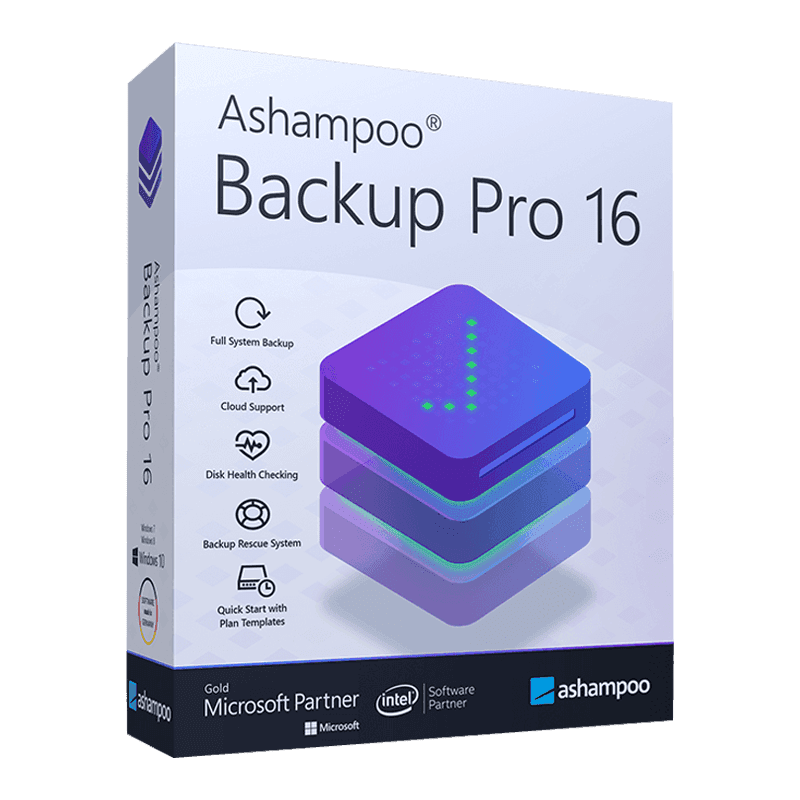

Ashampoo Backup Pro 16

Trusted Shops
Buyer Protection guaranteed refund
Original License Guaranteed by Licensel.com
| Language | Italian, Multi-Language |
|---|---|
| License Duration | Perpetual (no expiry) |
| Operating System | Windows |
| Users | 1 |
Ashampoo Backup Pro 16 is the software that protects the data on a Windows computer by creating automatic backup copies of files, folders, partitions or the entire system. It is designed for private users, freelancers and small businesses that cannot afford to lose documents, photographs or accounting archives because of a disk failure, human error or a ransomware attack. The license is perpetual and is delivered with its product key.
Why choose Ashampoo Backup Pro 16
A hard disk fails without warning and ransomware encrypts files in minutes: in both cases the difference between an inconvenience and serious damage lies in having a recent copy. The problem is that manual backups get forgotten, while scheduled ones work precisely because they do not have to be remembered.
Ashampoo Backup Pro 16 automates the whole process: you choose what to save, where to save it and how often, and from then on the program works in the background without slowing the computer down. If something goes wrong, recovery can concern a single file deleted by mistake or the entire operating system, restored to the previous day's state even on a new disk.
What Ashampoo Backup Pro 16 is and what it is for
Ashampoo Backup Pro 16 creates full disk images or selective copies of folders and keeps them on the medium of your choice: external drive, USB stick, network folder, NAS or a cloud service. Archives can be compressed to take up less space and encrypted to remain unreadable to anyone without the password.
The most important part is recovery. The program lets you retrieve a single file from a copy made weeks earlier, or bring the whole system back into operation after a failure thanks to the boot medium: a bootable stick or disk that loads the recovery environment even when Windows no longer starts, allowing the system to be reinstalled on a replaced disk.
Key features
- Backup of the entire system
Create a full disk image, operating system, programs and settings included, to restart exactly from the saved state. - Selective folder backup
Save only what really matters, such as documents, photographs or work archives, reducing time and space used. - Automatic scheduling
Set frequency and time once and the program runs the copies in the background, without interfering with your current work. - Multiple destinations
External drive, USB stick, network folder, NAS or cloud service: you can also keep two copies on different media for extra safety. - Encryption and compression
Archives are compressed to take up less space and can be encrypted, so they remain unreadable even if the external drive falls into the wrong hands. - Boot medium for emergencies
A bootable stick lets you restore the system even when Windows no longer starts, for example after replacing the disk. - Selective restore
Retrieve a single file or folder from any saved copy, without having to restore the entire system. - Ransomware protection
Archives are protected from unauthorised modification, so a malicious encryption of your data does not compromise the backups as well.
Feature overview of Ashampoo Backup Pro 16
| Feature | Available |
|---|---|
| Full backup of the entire system | ✔ |
| Backup of individual folders and partitions | ✔ |
| Automatic scheduling of saves | ✔ |
| Backup to external drive, NAS and cloud | ✔ |
| Encryption and compression of archives | ✔ |
| Boot medium for emergency recovery | ✔ |
| Restore of individual files or the whole system | ✔ |
| Protection of archives against ransomware | ✔ |
Comparison: backup types compared
| Characteristic | Full backup | Incremental | Differential |
|---|---|---|---|
| Disk space used | High | Low | Medium |
| Execution speed | Slow | Very fast | Medium |
| Restore speed | Immediate | Slower | Medium |
| Depends on previous backups | No | On all | On the full one only |
| Suitable for daily execution | ✘ | ✔ | ✔ |
| Suitable for the first save | ✔ | ✘ | ✘ |
| Automatic scheduling | ✔ | ✔ | ✔ |
System requirements
Ashampoo Backup Pro 16 is compatible with Windows 10 and Windows 11. For detailed requirements see the "Requirements" tab on the product page.
Why are licenses priced so low?
As these are retail licenses previously owned and decommissioned by the former holder in accordance with EU Court ruling C-128/2011, they can be purchased at a more affordable price. These official licenses are fully compliant and guaranteed at the best price on the market.
What do I receive after purchase?
By purchasing this product you will receive the official download of the software from the Ashampoo website, the license for activation and complete instructions for a correct installation.
Advantages of the Licensel License
- Fast delivery by email
You receive the license and the download link within a few minutes of your order. - Always free support
Our technicians assist you via Live Chat and email, at no additional cost. - Invoice included
The invoice is issued automatically once the purchase is complete. - Trusted Shops partner shop
The official Trusted Shops guarantee protects every purchase made on Licensel.
How to buy and activate
- Choose your edition
Select the version you need and complete your order in a few clicks. - Receive the license by email
Within a few minutes you receive the official download link and the license for activation. - Install and activate
Download the software from the manufacturer's official website and enter the license to complete activation. - Support included
For any question our technicians are available via Live Chat and email.
How to download and install Ashampoo Backup Pro 16
The download takes place from the official Ashampoo website through the link you receive by email. Download the installer, run it and follow the wizard: at the end the software asks for the license you received to complete activation. The license is tied to the device on which it is activated. If you prefer to be guided step by step, our technicians can assist you during installation.
Need help with installation?
No problem: our technicians are available via the Live Chat at the bottom right of the website to assist you in real time.
Frequently asked questions
What is the difference between full, incremental and differential backup?
Can I restore the system if Windows no longer starts?
Where are the copies saved?
Is the license perpetual?
Does it slow the computer down during backup?
DIGITAL Delivery
Guaranteed instant delivery
Customer Support
Always available.
Money-back guarantee
Total satisfaction guarantee.
TrustedShops
Buy with certified confidence.





















