











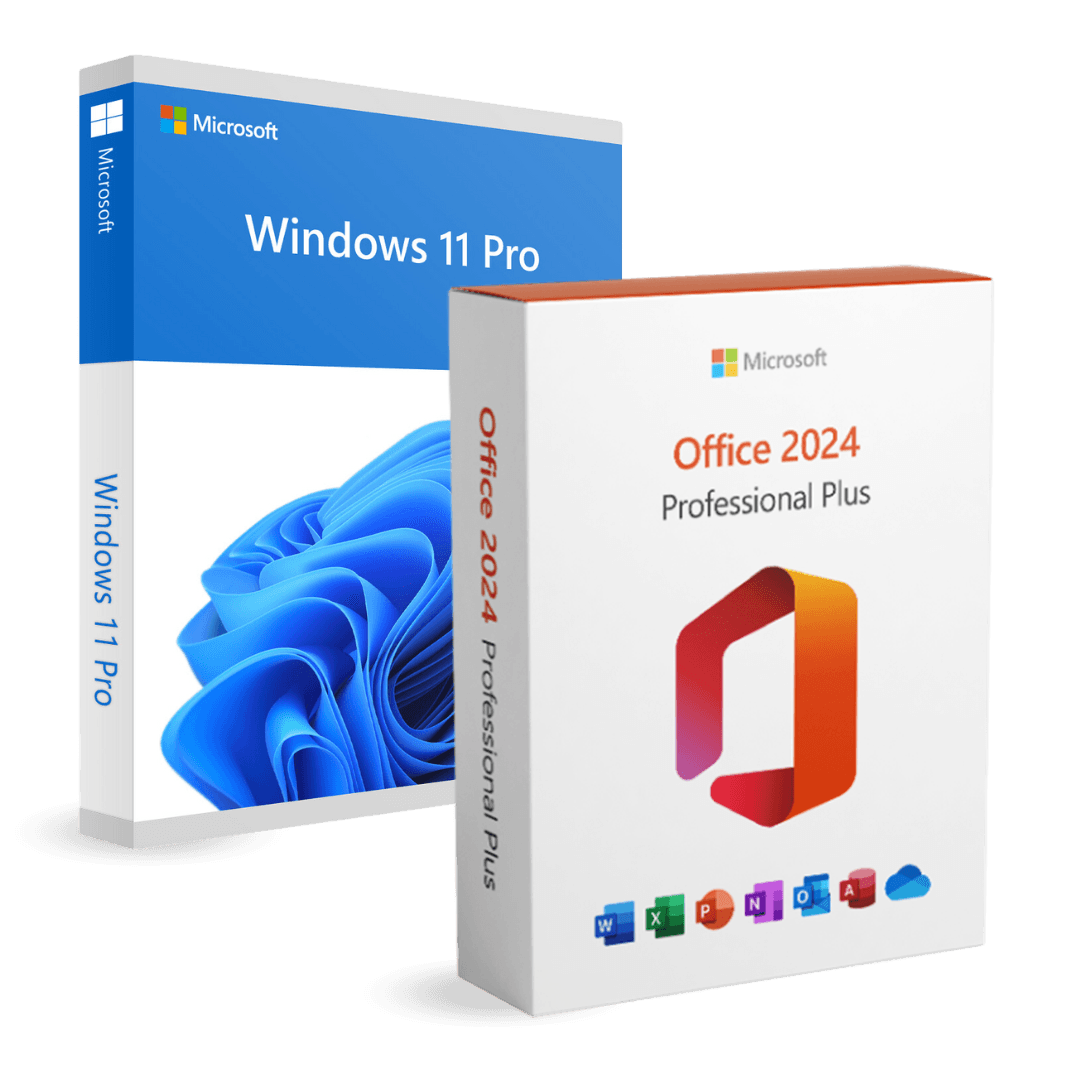

Office 2024 Professional Plus + Microsoft Windows 11 Pro

Trusted Shops
Buyer Protection guaranteed refund
Original License Guaranteed by Licensel.com
| Language | Multi-Language |
|---|---|
| Validity | Perpetual (no expiry) |
| Content | Windows 11 Pro + Office 2024 Professional Plus |
| Devices | 1 or 5, depending on the chosen variant |
The Office 2024 Professional Plus + Microsoft Windows 11 Pro package brings together in a single purchase the Windows 11 Pro operating system and the Office 2024 Professional Plus suite, both with a perpetual license that never expires. You will receive two separate activation codes, one for Windows and one for Office.
Why choose Office 2024 Professional Plus + Microsoft Windows 11 Pro
When setting up a workstation from scratch two things are needed: the operating system and the program you work in. Buying them in the same order costs less than buying them separately and avoids ending up with an installed computer but no tools to use it.
The two licenses stay independent and do not expire: they activate with different codes and each stays valid on the computer where it is entered, with no renewals and no annual fees. That is the difference from Microsoft 365, which stops working when the subscription is not renewed.
What Office 2024 Professional Plus + Microsoft Windows 11 Pro is and what it is for
Windows 11 Pro adds to Home BitLocker encryption with keys held in the TPM, incoming Remote Desktop, Hyper-V, Windows Sandbox and joining a company domain. It is the generation that keeps receiving feature and security updates, and it requires TPM 2.0 and Secure Boot enabled.
Office 2024 Professional Plus is the perpetual version of the suite: Word, Excel, PowerPoint, Outlook, Access and OneNote installed on the computer and usable without a connection. Being the perpetual licence version, it does not include the cloud features and the artificial intelligence tools reserved for Microsoft 365 subscriptions.
Key features
- Two products, one purchase
Operating system and Office suite together, at a lower price than buying them separately. - Two separate activation codes
Windows and Office activate separately, each with its own code received by email. - Perpetual licenses
No annual fee and no expiry: you pay only once. - Office 2024 in the perpetual version
Word, Excel, PowerPoint, Outlook, Access and OneNote installed on the computer, usable without a connection. - BitLocker and Remote Desktop
Disk encryption and remote access to the PC, functions reserved for the Pro edition of Windows. - Hyper-V and Windows Sandbox
Native virtual machines and a disposable isolated environment for trying unknown programs. - Official Microsoft downloads
Both products are downloaded from the manufacturer's official channels. - Support with installation
Our technicians guide both installations, from the Windows stick to the Office activation.
Feature overview of Office 2024 Professional Plus + Microsoft Windows 11 Pro
| Feature | Included |
|---|---|
| Office 2024 Professional Plus: complete suite with a perpetual license | ✔ |
| Word, Excel, PowerPoint and Outlook | ✔ |
| Access and OneNote | ✔ |
| Two separate activation codes | ✔ |
| Official Microsoft download for both products | ✔ |
| BitLocker, Remote Desktop and Hyper-V | ✔ |
| Technical support included | ✔ |
Comparison: Windows 11 Pro and Office 2024 Professional Plus
| Feature | Windows 11 Pro | Office 2024 Professional Plus |
|---|---|---|
| Computer operating system | ✔ | ✘ |
| Word, Excel, PowerPoint and Outlook | ✘ | ✔ |
| Access and OneNote | ✘ | ✔ |
| BitLocker and Remote Desktop | ✔ | ✘ |
| Hyper-V and Windows Sandbox | ✔ | ✘ |
| Perpetual license with no expiry | ✔ | ✔ |
| Dedicated activation code | ✔ | ✔ |
| Official Microsoft download | ✔ | ✔ |
System requirements
Windows 11 requires a 64-bit processor with at least two cores at 1 GHz, 4 GB of RAM, 64 GB of free disk space and TPM 2.0 and Secure Boot enabled in the UEFI firmware. On many computers the TPM is already present but disabled: it is enabled from the BIOS. For detailed requirements see the "Requirements" tab on the product page. Office 2024 Professional Plus is then installed on the system you have just activated and needs nothing else.
Why are licenses priced so low?
As these are retail licenses previously owned and decommissioned by the former holder in accordance with EU Court ruling C-128/2011, they can be purchased at a more affordable price. These official licenses are fully compliant and guaranteed at the best price on the market.
What do I receive after purchase?
By purchasing this product you will receive the official download of the software from the Microsoft website, the license for activation and complete instructions for a correct installation.
Advantages of the Licensel License
- Fast delivery by email
You receive the license and the download link within a few minutes of your order. - Always free support
Our technicians assist you via Live Chat and email, at no additional cost. - Invoice included
The invoice is issued automatically once the purchase is complete. - Trusted Shops guarantee
Licensel is a Trusted Shops partner shop: every order is covered by the official buyer guarantee.
How to buy and activate
- Choose your edition
Select the version you need and complete your order in a few clicks. - Receive the license by email
Within a few minutes you receive the official download link and the license for activation. - Install and activate
Download the software from the manufacturer's official website and enter the license to complete activation. - Support included
For any question our technicians are available via Live Chat and email.
How to download and install Office 2024 Professional Plus + Microsoft Windows 11 Pro
After purchase you receive by email two separate licenses and the official Microsoft download links. Prepare the Windows installation stick with the Media Creation Tool, install the system and activate it with the first license under Settings, System, Activation. Then download the Office package from the Microsoft website, run the installation and activate it with the second license. Our technicians can guide you through both steps.
Need help with installation?
No problem: our technicians are available via the Live Chat at the bottom right of the website to assist you in real time.
Frequently asked questions
Do I receive one code or two?
Are the licenses perpetual?
Can I install them on two different computers?
What does Office 2024 Professional Plus include?
Does my computer support Windows 11?
DIGITAL Delivery
Guaranteed instant delivery
Customer Support
Always available.
Money-back guarantee
Total satisfaction guarantee.
TrustedShops
Buy with certified confidence.





















