











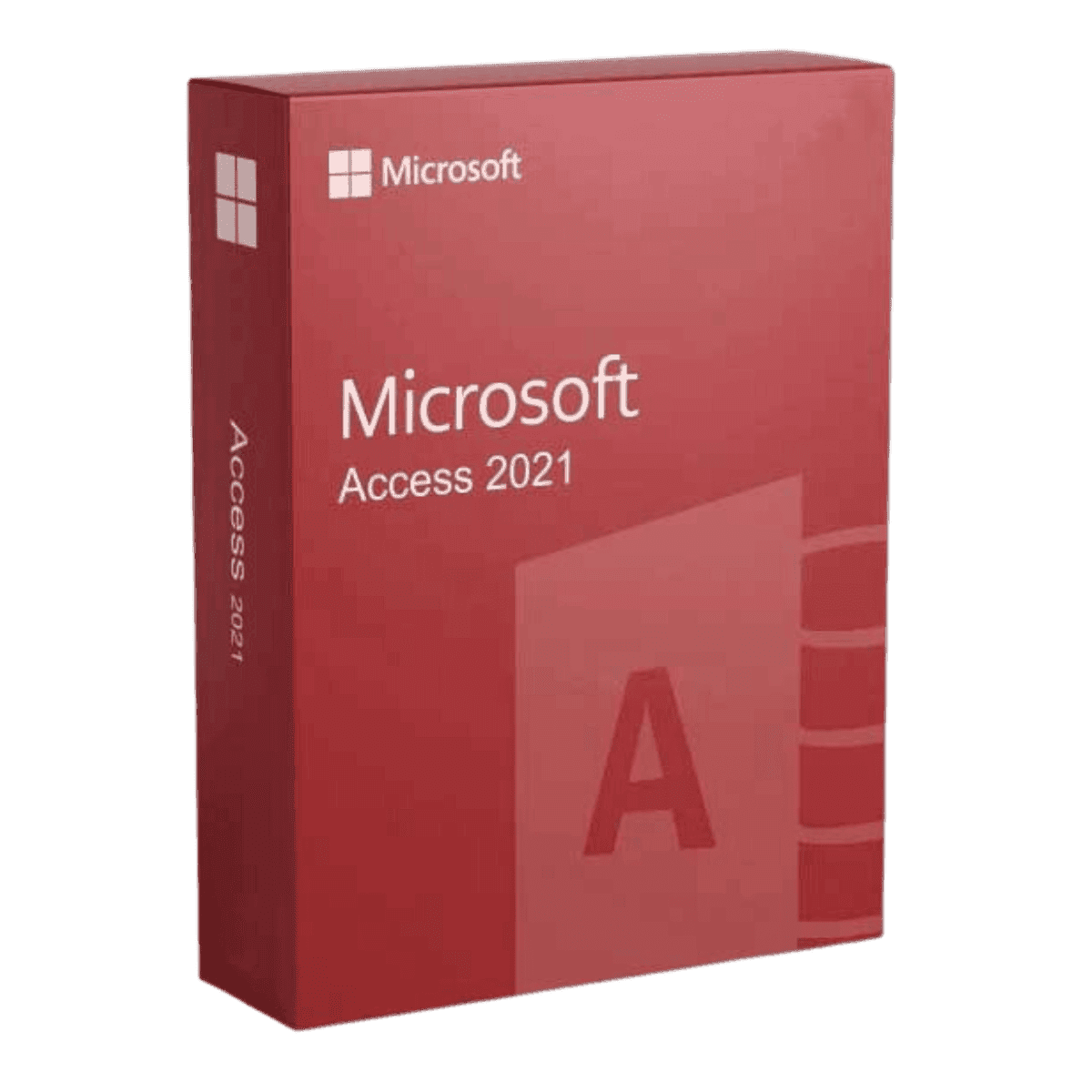
Microsoft Access 2021

Trusted Shops
Buyer Protection guaranteed refund
Original License Guaranteed by Licensel.com
| Language | Multi-Language |
|---|---|
| License Duration | Perpetual (no expiry) |
| Operating System | Windows |
| Users | 1 |
Microsoft Access 2021 is the Microsoft database manager sold on its own: linked tables, entry forms, queries and reports in a single file, with a perpetual license for one Windows device. It is the tool for building a small business application without writing code. The license is delivered with its product key.
Why choose Microsoft Access 2021
Every office has an Excel sheet that has grown too far: thousands of rows, repeated data, columns added over the years and no control over what gets typed in. It works as long as one person uses it, then it starts producing errors nobody can trace any more.
Access solves the problem at its root by separating the data into linked tables: the customer is written once and the orders refer to it. Forms prevent inconsistent entries, queries answer the questions and reports produce the printouts, all within the same file.
What Microsoft Access 2021 is and what it is for
Microsoft Access 2021 is the relational database manager of the Office suite, designed for anyone who has to organise structured information without a developer available. It is included only in the Professional editions of Office, and this license lets you have it without buying the whole suite.
It suits departmental applications: customer and supplier records, inventories, diaries, maintenance logs, bookings. Tables can also live on SQL Server or SharePoint with Access used as the interface: that way the file stays light and the data stays centralised.
Key features
- Linked tables
Customers, orders and items in separate tables joined by relationships: a piece of data is written once and never duplicated. - Data entry forms
Screens with ordered fields and validation controls, so whoever enters the data does not get the format wrong or leave fields empty. - Queries
Queries that filter, join and update the data, built without writing SQL using the visual editor. - Reports
Laid-out printouts with groupings, totals and subtotals, exportable to PDF or Excel. - Macros without code
Automation built by picking actions from a list: open a form, filter, send a message. - Connection to external sources
Tables can live in Excel, SQL Server or SharePoint and stay up to date without copying the data. - Ready templates
Databases already set up for contacts, inventories, projects and orders, to adapt rather than build from scratch. - Sharing on the network
The file can be placed in a shared folder and used by several people in the same office.
Feature overview of Microsoft Access 2021
| Feature | Included |
|---|---|
| Relational databases with linked tables | ✔ |
| Forms for data entry | ✔ |
| Select and update queries | ✔ |
| Printable and exportable reports | ✔ |
| Macros and automation without code | ✔ |
| Connection to Excel, SQL Server and SharePoint | ✔ |
| Ready templates for recurring uses | ✔ |
| Sharing the file on a network folder | ✔ |
Comparison: this single license and the Office suites
| Application | This license | Home & Student | Professional Plus |
|---|---|---|---|
| Word | ✘ | ✔ | ✔ |
| Excel | ✘ | ✔ | ✔ |
| PowerPoint | ✘ | ✔ | ✔ |
| Outlook | ✘ | ✘ | ✔ |
| Access | ✔ | ✘ | ✔ |
| OneNote | ✘ | ✔ | ✔ |
| Perpetual license for 1 PC | ✔ | ✔ | ✔ |
| Installs alongside the other Office apps | ✔ | ✔ | ✔ |
System requirements
Microsoft Access 2021 is compatible with Windows 10 and Windows 11. For detailed requirements see the "Requirements" tab on the product page.
Why are licenses priced so low?
As these are retail licenses previously owned and decommissioned by the former holder in accordance with EU Court ruling C-128/2011, they can be purchased at a more affordable price. These official licenses are fully compliant and guaranteed at the best price on the market.
What do I receive after purchase?
By purchasing this product you will receive the official download of the software from the Microsoft website, the license for activation and complete instructions for a correct installation.
Advantages of the Licensel License
- Fast delivery by email
You receive the license and the download link within a few minutes of your order. - Always free support
Our technicians assist you via Live Chat and email, at no additional cost. - Invoice included
The invoice is issued automatically once the purchase is complete. - Purchase protected by Trusted Shops
As a Trusted Shops partner shop, your order is protected by the official buyer guarantee.
How to buy and activate
- Choose your edition
Select the version you need and complete your order in a few clicks. - Receive the license by email
Within a few minutes you receive the official download link and the license for activation. - Install and activate
Download the software from the manufacturer's official website and enter the license to complete activation. - Support included
For any question our technicians are available via Live Chat and email.
How to download and install Microsoft Access 2021
After purchase you receive by email the license and the official Microsoft download link. Download the installation package, run it and enter the license you received to complete activation. The application installs alongside the other Office apps already on the computer, without replacing them. If you prefer to be guided step by step, our technicians can assist you.
Need help with installation?
No problem: our technicians are available via the Live Chat at the bottom right of the website to assist you in real time.
Frequently asked questions
How many people can use the same database?
Do I need to know how to program?
Does it also include the other Office applications?
Is the license perpetual?
Does it work on Mac?
DIGITAL Delivery
Guaranteed instant delivery
Customer Support
Always available.
Money-back guarantee
Total satisfaction guarantee.
TrustedShops
Buy with certified confidence.





















