











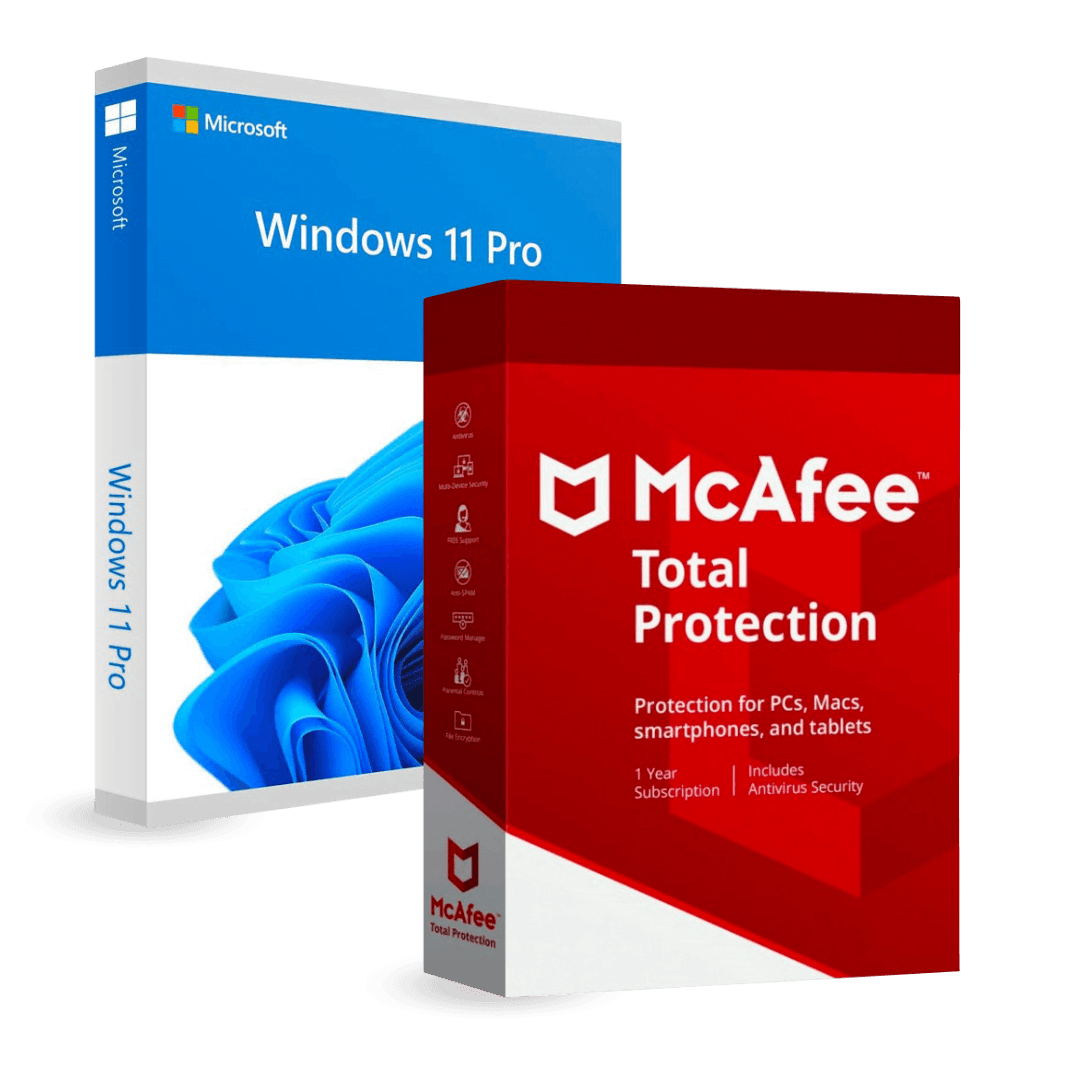
Microsoft Windows 11 Pro + Mcafee Total Protection

Trusted Shops
Buyer Protection guaranteed refund
Original License Guaranteed by Licensel.com
| Language | Multi-Language |
|---|---|
| Validity | Windows: perpetual | McAfee: 1 year |
| Content | Windows 11 Pro + McAfee Total Protection |
| Devices | 1 |
The Microsoft Windows 11 Pro + Mcafee Total Protection package brings together in a single purchase the professional operating system and computer protection: Windows 11 Pro with a perpetual license and McAfee Total Protection for one year. You will receive two separate activation codes, one per product.
Why choose Microsoft Windows 11 Pro + Mcafee Total Protection
A freshly installed computer is bare: the operating system is there, but the protection has to be added before connecting it to the network and starting to download mail and attachments. Buying both together costs less and avoids postponing the part that then gets forgotten.
The two licenses last differently and it is worth knowing beforehand: Windows stays active forever on the computer where it is entered, while McAfee protection lasts one year and must be renewed at expiry to keep receiving updates.
What Microsoft Windows 11 Pro + Mcafee Total Protection is and what it is for
Windows 11 Pro adds to Home BitLocker encryption with keys held in the TPM, incoming Remote Desktop, Hyper-V, Windows Sandbox and joining a company domain. It is the generation that keeps receiving feature and security updates.
McAfee Total Protection adds to Microsoft Defender, already present in Windows, a VPN for public networks, a password manager and monitoring of the devices connected to the home network. The protection stays associated with the account created on the manufacturer's portal.
Key features
- Antivirus and real-time protection
Checks files, downloads and web pages as you work, blocking threats before they install. - Ransomware protection
Watches the document folders and blocks programs that try to encrypt their content. - Anti-phishing filter
Flags sites that imitate banks and well-known services to get hold of credentials. - VPN included
Encrypts traffic on public networks, useful in hotels, airports and venues with open Wi-Fi. - Password manager
Keeps credentials in an encrypted vault and fills them in for you on sign-in forms. - Firewall and network monitoring
Checks incoming and outgoing connections and flags unknown devices on the home network. - Two separate activation codes
The two products activate separately, each with its own code received by email. - Support with installation
Our technicians guide both installations and both activations.
Feature overview of Microsoft Windows 11 Pro + Mcafee Total Protection
| Feature | Included |
|---|---|
| Windows 11 Pro with a perpetual license | ✔ |
| BitLocker, Remote Desktop and Hyper-V | ✔ |
| McAfee Total Protection for one year | ✔ |
| Two separate activation codes | ✔ |
| Antivirus and real-time protection | ✔ |
| Ransomware and phishing protection | ✔ |
| VPN included | ✔ |
| Password manager | ✔ |
Comparison: Windows 11 Pro and McAfee Total Protection
| Characteristic | McAfee Total Protection | Windows 11 Pro |
|---|---|---|
| Computer operating system | ✘ | ✔ |
| BitLocker, Remote Desktop and Hyper-V | ✘ | ✔ |
| Antivirus and real-time protection | ✔ | Microsoft Defender |
| Ransomware and phishing protection | ✔ | Partial |
| VPN included | ✔ | ✘ |
| Password manager | ✔ | ✘ |
| License type | 1 year | Perpetual |
| Dedicated activation code | ✔ | ✔ |
System requirements
Windows 11 requires a 64-bit processor with at least two cores, 4 GB of RAM, 64 GB of free space and TPM 2.0 with Secure Boot enabled. McAfee is then installed on the system you have just activated and needs an internet connection for updates. For detailed requirements see the "Requirements" tab on the product page.
Why are licenses priced so low?
As these are retail licenses previously owned and decommissioned by the former holder in accordance with EU Court ruling C-128/2011, they can be purchased at a more affordable price. These official licenses are fully compliant and guaranteed at the best price on the market.
What do I receive after purchase?
By purchasing this product you will receive the official download of the software from the Microsoft website, the license for activation and complete instructions for a correct installation.
Advantages of the Licensel License
- Fast delivery by email
You receive the license and the download link within a few minutes of your order. - Always free support
Our technicians assist you via Live Chat and email, at no additional cost. - Invoice included
The invoice is issued automatically once the purchase is complete. - Trusted Shops: guaranteed purchase
Licensel is part of Trusted Shops, which protects your purchase with the official buyer guarantee.
How to buy and activate
- Choose your edition
Select the version you need and complete your order in a few clicks. - Receive the license by email
Within a few minutes you receive the official download link and the license for activation. - Install and activate
Download the software from the manufacturer's official website and enter the license to complete activation. - Support included
For any question our technicians are available via Live Chat and email.
How to download and install Microsoft Windows 11 Pro + Mcafee Total Protection
After purchase you receive by email two separate licenses and the official download links. Install the first product from the manufacturer's website and activate it with the matching license, then repeat for the second. For McAfee you need to create an account on the manufacturer's portal, where the protection stays associated. Our technicians can guide you through both steps.
Need help with installation?
No problem: our technicians are available via the Live Chat at the bottom right of the website to assist you in real time.
Frequently asked questions
Do I receive one code or two?
Do the two licenses last the same?
Is McAfee needed if Windows already has Defender?
Does my computer support Windows 11?
Must I uninstall Microsoft Defender?
DIGITAL Delivery
Guaranteed instant delivery
Customer Support
Always available.
Money-back guarantee
Total satisfaction guarantee.
TrustedShops
Buy with certified confidence.





















