











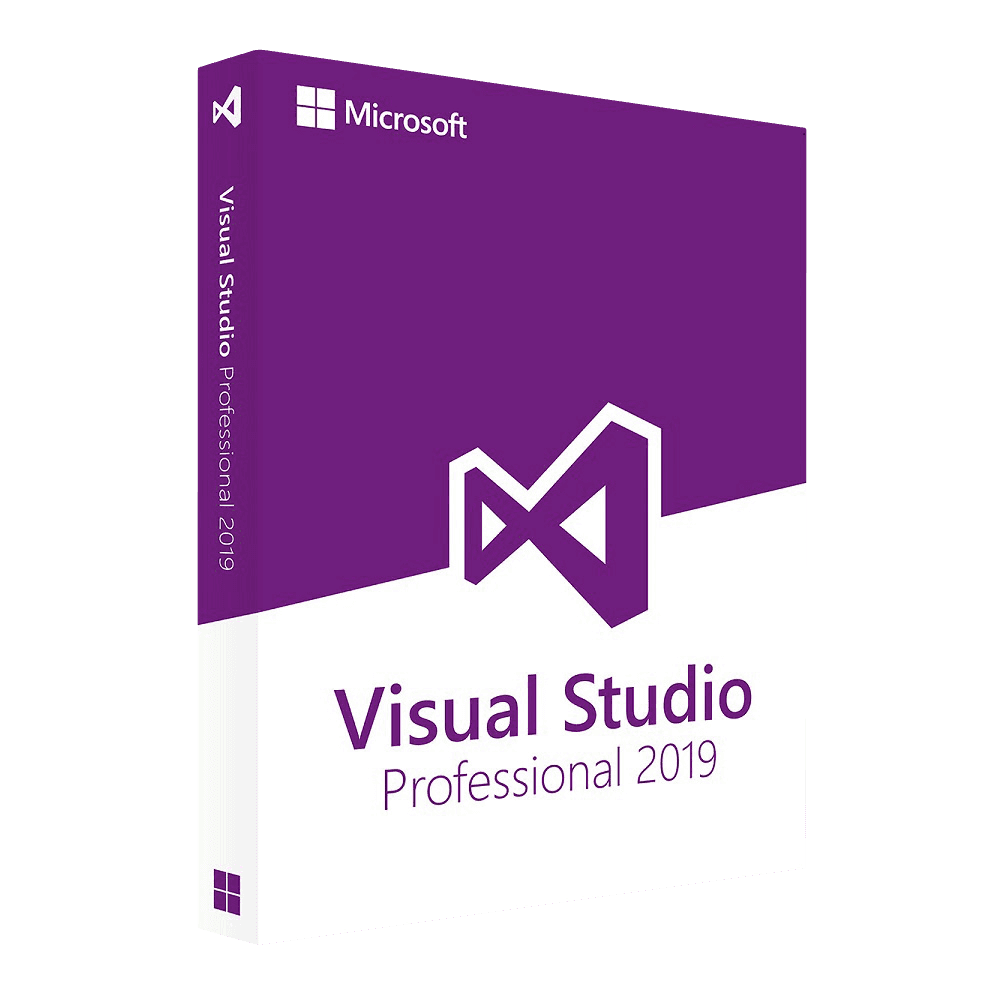

Microsoft Visual Studio Professional 2019

Trusted Shops
Buyer Protection guaranteed refund
Original License Guaranteed by Licensel.com
| Language | Multi-Language |
|---|---|
| Validity | Perpetual (no expiry) |
| Operating System | Windows |
| Developers | 1 |
Microsoft Visual Studio Professional 2019 is the Microsoft development environment in the Professional edition, with a perpetual license for one developer on one Windows device. It includes editor, debugger, profiler, unit tests and integration with Git and Azure DevOps, for .NET, C++, web, mobile and cloud projects. The license is delivered with its product key.
Why choose Microsoft Visual Studio Professional 2019
Writing code is the short part of the job: the long part is understanding why it does not work. A complete development environment exists exactly for that, because it puts debugger, profiler, tests and version control in the same place where you write, instead of forcing you to jump between separate tools.
Visual Studio is the standard for developing with Microsoft technologies: .NET, C#, ASP.NET, C++ and applications destined for Azure. The perpetual license avoids the subscription fee and stays valid on the version purchased, with no expiry.
What Microsoft Visual Studio Professional 2019 is and what it is for
Visual Studio Professional 2019 is the edition suited to the individual developer and to small teams: it includes everything needed to write, fix and publish an application, without the advanced testing and architectural analysis tools reserved for Enterprise.
Microsoft support for Visual Studio 2019 runs until April 2029. Being a perpetual license, the environment keeps working after that too. It is the choice for anyone maintaining projects already set on this version or looking for the lowest price.
Key features
- Full IDE
Editor, compiler, debugger and visual designers in one environment, for .NET, C#, VB, C++ and the web languages. - IntelliSense
Context-aware code completion, with method signatures and documentation shown as you type. - Debugger
Conditional breakpoints, variable inspection, editing code while running and exception analysis. - Profiler
Measures memory use and CPU time to find where the program actually slows down. - Unit tests
Running and collecting test results directly in the environment, with basic code coverage. - Git and Azure DevOps
Branch, merge request and pipeline management without leaving the editor. - Visual designers
Building interfaces by dragging controls, with the generated code available and editable. - Extensions
A Marketplace with extra tools for languages, frameworks and third-party integrations.
Feature overview of Microsoft Visual Studio Professional 2019
| Feature | Included |
|---|---|
| Full IDE for .NET, C#, VB and C++ | ✔ |
| Web development with ASP.NET and JavaScript | ✔ |
| Debugger with conditional breakpoints | ✔ |
| Memory and performance profiler | ✔ |
| Integrated unit tests | ✔ |
| Source control with Git and Azure DevOps | ✔ |
| Visual interface designers | ✔ |
| Extensions from the Marketplace | ✔ |
Comparison: Visual Studio Professional and Enterprise
| Feature | Professional | Enterprise |
|---|---|---|
| IDE for .NET, C++, web, mobile and cloud | ✔ | ✔ |
| Debugger, profiler and IntelliSense | ✔ | ✔ |
| Unit tests and basic code coverage | ✔ | ✔ |
| Live Unit Testing | ✘ | ✔ |
| IntelliTrace and historical debugging | ✘ | ✔ |
| Load and automated testing tools | ✘ | ✔ |
| Code Map and dependency analysis | ✘ | ✔ |
| Perpetual license for one developer | ✔ | ✔ |
System requirements
Microsoft Visual Studio Professional 2019 is compatible with Windows 10 and Windows 11. For detailed requirements see the "Requirements" tab on the product page.
Why are licenses priced so low?
As these are retail licenses previously owned and decommissioned by the former holder in accordance with EU Court ruling C-128/2011, they can be purchased at a more affordable price. These official licenses are fully compliant and guaranteed at the best price on the market.
What do I receive after purchase?
By purchasing this product you will receive the official download of the software from the Microsoft website, the license for activation and complete instructions for a correct installation.
Advantages of the Licensel License
- Fast delivery by email
You receive the license and the download link within a few minutes of your order. - Always free support
Our technicians assist you via Live Chat and email, at no additional cost. - Invoice included
The invoice is issued automatically once the purchase is complete. - Trusted Shops: guaranteed purchase
Licensel is part of Trusted Shops, which protects your purchase with the official buyer guarantee.
How to buy and activate
- Choose your edition
Select the version you need and complete your order in a few clicks. - Receive the license by email
Within a few minutes you receive the official download link and the license for activation. - Install and activate
Download the software from the manufacturer's official website and enter the license to complete activation. - Support included
For any question our technicians are available via Live Chat and email.
How to download and install Microsoft Visual Studio Professional 2019
After purchase you receive by email the license and the link to the official Microsoft installer. Run the Visual Studio Installer, choose the workloads you need (.NET desktop development, ASP.NET and web, C++, Azure, mobile) and complete the installation. At first start, enter the license you received to activate the edition you bought. Our technicians can guide you through the procedure.
Need help with installation?
No problem: our technicians are available via the Live Chat at the bottom right of the website to assist you in real time.
Frequently asked questions
What is the difference from the Enterprise edition?
How many developers does the license cover?
Is an Azure or GitHub subscription needed?
Until when is this version supported?
Is the license perpetual?
DIGITAL Delivery
Guaranteed instant delivery
Customer Support
Always available.
Money-back guarantee
Total satisfaction guarantee.
TrustedShops
Buy with certified confidence.





















