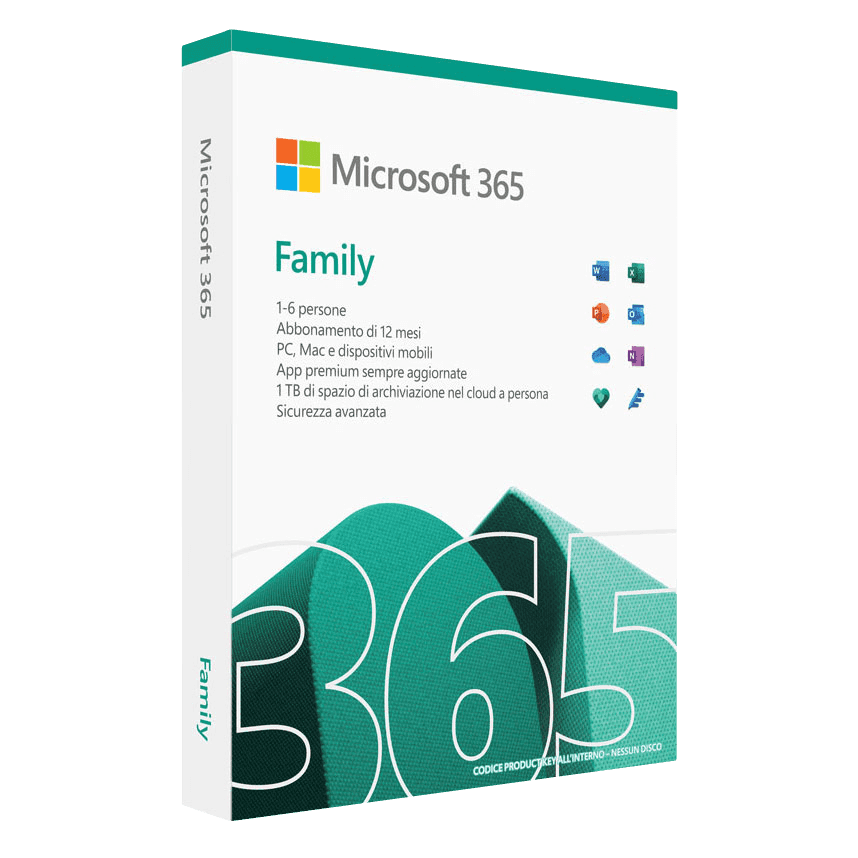

Microsoft 365 Family

Trusted Shops
Buyer Protection guaranteed refund
Buy the genuine annual license with fast delivery by email
Microsoft 365 Family is the Microsoft annual subscription designed for the whole family: up to 6 users, each with their own account, their own always up-to-date Office apps and 1 TB of OneDrive each (6 TB in total). Each user can install the apps on a maximum of 5 devices (30 devices in total), on Windows, Mac, iOS and Android. It includes Microsoft Teams. Buying from Licensel, you receive the activation instructions by email within minutes, with always free support via Live Chat and email.
| Language | Multi-language |
|---|---|
| Number of devices | 6 users, up to 5 devices each |
| Operating system | Windows / Mac / Android / iOS |
| License duration | Annual (renewable) |
What Microsoft 365 Family includes
- Word → word processing with the most recent features, real-time co-authoring and AI writing suggestions
- Excel → always up-to-date spreadsheets with the latest functions, dynamic arrays, linked data types and Power Query
- PowerPoint → presentations with AI Designer for automatic layouts, advanced transitions and built-in recording
- Outlook → always up-to-date email and calendar management with Focused Inbox, smart suggestions and scheduling
- OneNote → digital notebook for notes, annotations and organisation synchronised across all your devices
- 1 TB of OneDrive per user → 6 TB of secure cloud storage in total
- Microsoft Teams → video meetings, chat and collaboration
Microsoft 365 Personal vs Family
| Characteristic | Personal | Family |
|---|---|---|
| Users | 1 | Up to 6 |
| OneDrive | 1 TB | 1 TB per user (6 TB total) |
| Simultaneous devices | 5 | 5 per user |
| Family sharing | ✗ | ✓ |
| Ideal for | Single use | Families |
License type → Annual
Microsoft 365 Family is a renewable annual license for a maximum of 6 users. Each user has their own independent Microsoft account with personal apps, files and settings. It includes continuous application updates and new features during the year.
Key features
Microsoft 365 Family offers all the Office apps, always up to date, for the whole family. Each user receives 1 TB of OneDrive (6 TB in total) and can install the apps on 5 devices (30 in total). It includes Microsoft Teams and the option to manage the family accounts centrally.
Microsoft 365 Family is designed to be shared with the whole family: up to 6 users can use the complete suite on all their devices. Each family member receives 1 TB of personal OneDrive space (6 TB in total), giving everyone their own separate, secure cloud storage. Sharing is simple: just send an invitation by email and each user can install the apps on PC, Mac, tablet and smartphone. It is the most affordable solution for households where several people need Office.
Microsoft 365 vs Office perpetuo
| Characteristic | Microsoft 365 | Office 2024 |
|---|---|---|
| License | Annual subscription | Perpetual (one-off) |
| Updates | Always the latest version | Security only |
| OneDrive 1 TB | ✓ | ✗ |
| Teams | ✓ | ✗ |
| Cost | Recurring fee | One-off payment |
System requirements
Microsoft 365 Family is compatible with Windows, macOS, iOS and Android. For compatibility with your macOS version and the detailed requirements, see the "Requirements" tab on the product page.
Licensel: Microsoft Certified Partner
Licensel is a Microsoft Certified Partner, which means we operate as an authorised reseller of Microsoft software licenses. This certification assures our customers that every product purchased is genuine and comes from official Microsoft channels, and that our team holds the certified technical skills to provide qualified assistance with activation and use. Choosing a Microsoft certified partner means relying on a recognised and guaranteed reseller.
Why buy Microsoft 365 Family from Licensel
- Up to 6 users → every family member with their own account
- 6 TB of OneDrive in total → 1 TB for each user
- 30 devices in total → 5 for each user on PC, Mac, tablet and smartphone
- Always up-to-date apps → you automatically receive the latest features
- Fast delivery → you receive the activation instructions within minutes
- Always free support → help via Live Chat and email
- Microsoft Certified Partner → genuine licenses from official channels
- Trusted Shops partner shop → purchase protected by the official Trusted Shops guarantee
How to buy and activate Microsoft 365 Family
After your purchase on Licensel, you receive by email the instructions for linking the subscription to your Microsoft account. Sign in to your account, activate the subscription and invite your family members. Each user downloads the apps on their own devices. Our support is always free for anything you need.
Frequently asked questions
What does Microsoft 365 Family include?
What kind of license is it?
What is the difference between 365 Family and 365 Personal?
What is the difference between Microsoft 365 and perpetual Office?
How is the Family subscription shared?
What happens when the subscription expires?
What do I receive after purchase?
Can I get help with the activation?
DIGITAL Delivery
Guaranteed instant delivery
Customer Support
Always available.
Money-back guarantee
Total satisfaction guarantee.
TrustedShops
Buy with certified confidence.