











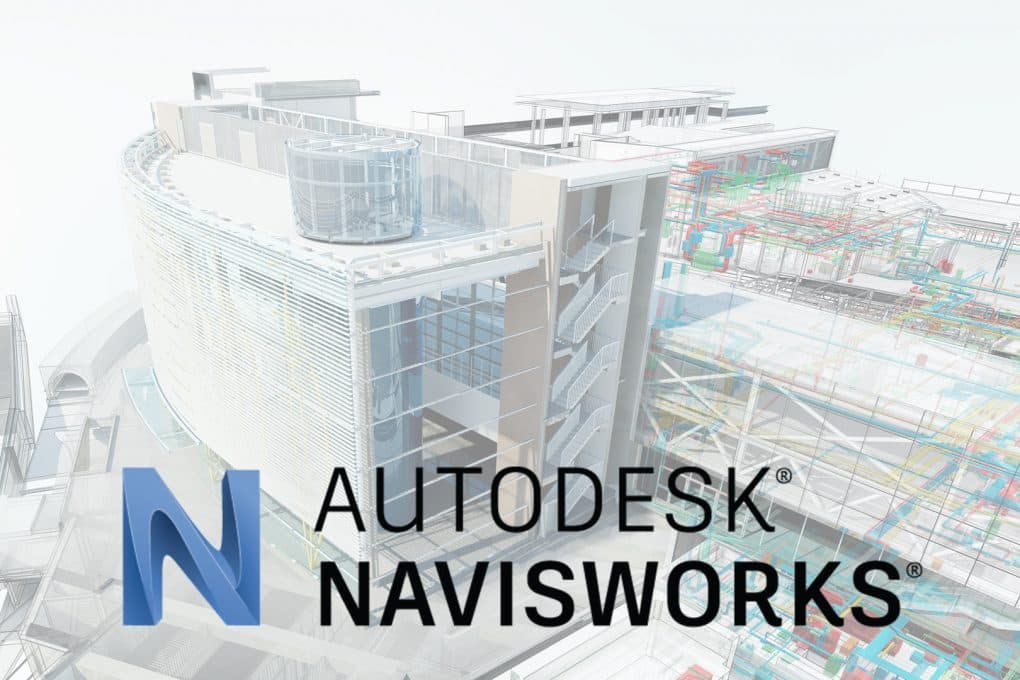

Autodesk Navisworks Manage

Trusted Shops
Buyer Protection guaranteed refund
Original License Guaranteed by Licensel.com
License in the Education version, complete with every feature, usable for personal purposes and for learning and training. It carries no watermark and no reference to the Education version in printed files.
| Language | Multi-Language |
|---|---|
| License Duration | Annual and three-year |
| Operating System | Windows |
| Users | 1 |
Autodesk Navisworks Manage is Autodesk's solution for integrated BIM model review, clash detection and 4D construction simulation. It brings together models from Revit, AutoCAD, Civil 3D and dozens of other software in a single environment for multidisciplinary coordination.
Why choose Autodesk Navisworks Manage
On a site of any size each discipline models on its own: the structure does not know where the ducts run, the services do not know where the columns come down. Each is right within its own file, and the conflict emerges when both elements have already been built.
Navisworks Manage merges models of different origin into one and looks for intersections before they become a physical problem. Every clash found is assigned to someone and its resolution is tracked, so the check does not stay a list but becomes a piece of work.
What Autodesk Navisworks Manage is and what it is for
Navisworks Manage allows aggregating models from different sources (architecture from Revit, structure from Tekla, MEP from AutoCAD MEP) in a single federated model. The Clash Detective function automatically identifies interferences between different systems, allowing them to be resolved before construction begins, saving enormous cost and time.
The 4D simulation (TimeLiner) links the BIM model to the construction schedule (Gantt) to visualise site progress over time.
Key features
- Clash Detection (Clash Detective)
Automatically detect all interferences between federated models. Manage clashes with reports, assignment to responsible parties and resolution tracking. Filters by clash type (Hard, Soft, Clearance, Duplicates). - 4D Simulation (TimeLiner)
Link each BIM model element to an activity in the construction schedule (Microsoft Project, Primavera, Excel). 3D animation of the site over time. - Quantities from model (Quantification)
Automatically calculate material quantities directly from the BIM model. Export to Excel for cost estimation: especially useful for tender preparation. - Collaborative markups and comments
Add comments, measurements and markups directly in the 3D model. Export reports with annotated screenshots. Share as NWD files without requiring a Navisworks license. - Merging models of different formats
Architecture, structure and services coming from different programs converge into one navigable model. - Real-time navigation
Models of hundreds of megabytes are explored smoothly, even on computers that are not specialised. - Publishing in NWD format
A single compact file contains the whole model and is shared with people who do not have the original files. - Complete Education license
Every feature is active and the files produced carry no watermark and no reference to the Education version.
Feature overview of Autodesk Navisworks Manage
| Feature | Included |
|---|---|
| Aggregated BIM model review | ✔ |
| Automatic clash detection (interference) | ✔ |
| 4D simulation (model + construction schedule) | ✔ |
| Quantities and take-offs from model | ✔ |
| Walk-through and navigable rendering | ✔ |
| Collaborative comments and markups | ✔ |
| Format support: NWD, DWG, RVT, IFC, FBX | ✔ |
Comparison: Navisworks Manage and Navisworks Simulate
| Feature | Simulate | Manage |
|---|---|---|
| Opening and merging models of different formats | ✔ | ✔ |
| Real-time navigation of large models | ✔ | ✔ |
| 4D simulation of construction schedules | ✔ | ✔ |
| 5D cost analysis | ✔ | ✔ |
| Clash Detective | ✘ | ✔ |
| Management and assignment of clashes | ✘ | ✔ |
| Rendering and presentation animations | ✔ | ✔ |
| Publishing the NWD file for sharing | ✔ | ✔ |
System requirements
Autodesk Navisworks Manage is compatible with 64-bit Windows 10 and Windows 11. It requires a dedicated graphics card and several GB of disk space. For detailed requirements see the "Requirements" tab on the product page.
Why are licenses priced so low?
As these are retail licenses previously owned and decommissioned by the former holder in accordance with EU Court ruling C-128/2011, they can be purchased at a more affordable price. These official licenses are fully compliant and guaranteed at the best price on the market.
What do I receive after purchase?
By purchasing this product you will receive the Autodesk account credentials the license is linked to, the official download from the Autodesk website and complete instructions for a correct installation.
Advantages of the Licensel License
- Fast delivery by email
You receive the license and the download link within a few minutes of your order. - Always free support
Our technicians assist you via Live Chat and email, at no additional cost. - Invoice included
The invoice is issued automatically once the purchase is complete. - Trusted Shops guarantee
Licensel is a Trusted Shops partner shop: every order is covered by the official buyer guarantee.
How to buy and activate
- Choose your edition
Select the version you need and complete your order in a few clicks. - Receive the license by email
Within a few minutes you receive the official download link and the license for activation. - Sign in and install
Go to autodesk.com with the credentials you received and download the program from the official channel: activation happens by recognising the account. - Support included
For any question our technicians are available via Live Chat and email.
How to download and install Autodesk Navisworks Manage
After purchase you receive by email the Autodesk account credentials and the instructions. Sign in at autodesk.com, open the section with the products linked to your account and download Autodesk Navisworks Manage from the official Autodesk channel. About 15 GB of free disk space is needed. At first start the program activates by recognising the account, with no codes to type.
Need help with installation?
No problem: our technicians are available via the Live Chat at the bottom right of the website to assist you in real time.
Frequently asked questions
What is the difference from Navisworks Simulate?
Which formats does it open?
Is it used for BIM coordination?
What are NWD files?
How long does the license last?
DIGITAL Delivery
Guaranteed instant delivery
Customer Support
Always available.
Money-back guarantee
Total satisfaction guarantee.
TrustedShops
Buy with certified confidence.





















