











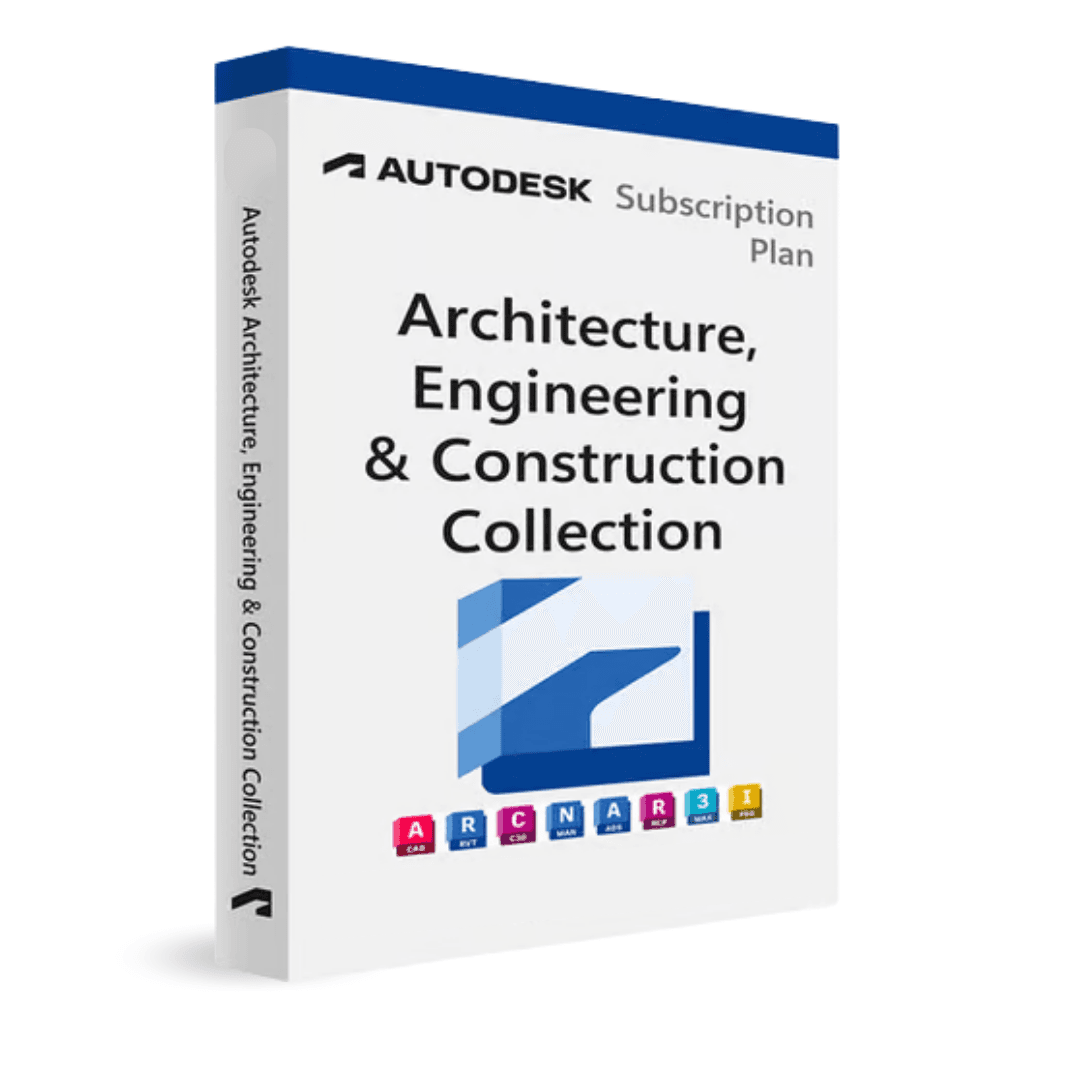

Autodesk AEC Collection

Trusted Shops
Buyer Protection guaranteed refund
Original License Guaranteed by Licensel.com
License in the Education version, complete with every feature, usable for personal purposes and for learning and training. It carries no watermark and no reference to the Education version in printed files.
| Language | Multi-Language |
|---|---|
| License Duration | Annual and three-year |
| Operating System | Windows |
| Users | 1 |
The Autodesk AEC Collection is the complete Autodesk software package for the AEC (Architecture, Engineering & Construction) sector. It includes AutoCAD, Revit, Civil 3D, Navisworks Manage, Advance Steel, ReCap Pro, Infraworks and other tools: all in a single Education license.
Why choose Autodesk AEC Collection
A building project passes through different tools: the survey of what exists, the architectural model, the civil works, the coordination between disciplines and the images for the presentation. Buying the licenses one at a time means paying full price for each and ending up with files that travel badly from one program to another.
The AEC Collection solves both: a single license covers the whole chain, and the programs are designed to exchange files with no conversion. The survey goes into Revit, the model goes to Navisworks for checking, the views end up in 3ds Max for rendering.
What Autodesk AEC Collection is and what it is for
The AEC Collection is the most comprehensive solution for construction and infrastructure professionals: with a single license you access all main Autodesk tools for architectural design (Revit), technical drawing (AutoCAD), civil infrastructure (Civil 3D), BIM coordination (Navisworks), steel structures (Advance Steel) and digital survey (ReCap Pro).
Compared to purchasing individual licenses, the AEC Collection offers significant savings while always accessing the latest version of all included software. The ideal choice for multidisciplinary firms or those working across AEC sectors.
Key features
- AutoCAD with specialised toolsets
2D/3D design with all toolsets (Architecture, MEP, Electrical, Mechanical, Map 3D) included. The standard tool for technical drawings across all AEC sectors. - Revit for complete BIM
BIM modelling for architecture, structure and MEP systems. Worksharing for multidisciplinary collaboration. The reference BIM platform in the AEC sector. - Civil 3D for infrastructure
Road, sewer and water supply design with dynamic TIN surfaces and parametric road corridors. The standard for civil engineering. - Navisworks Manage for coordination
Clash detection, 4D simulation and quantities. Brings together models from different software for multidisciplinary review and coordination. - Advance Steel + ReCap Pro
Steel structure BIM with automatic shop drawing generation. 3D survey with point clouds from scanner or drone. - InfraWorks for preliminary study
The infrastructure project is assessed in its real context before going into detail. - 3ds Max for visualisation
Models become photorealistic images to present to clients and authorities. - One license for the whole chain
Survey, design, coordination and presentation with the same files and a single account.
Feature overview of Autodesk AEC Collection
| Feature | Included |
|---|---|
| AutoCAD (incl. toolset specializzati) | 2D/3D CAD with Architecture, MEP, Electrical toolsets |
| Revit | BIM for architecture, structure and MEP |
| Navisworks Manage | BIM coordination and clash detection |
| Civil 3D | Civil infrastructure and roads |
| Advance Steel | Steel structure BIM |
| ReCap Pro | Point clouds and scan-to-BIM |
| Infraworks | Territorial planning and infrastructure |
| FormIt Pro | Conceptual BIM modelling |
Comparison: the programs included in the AEC Collection
| Program | What it is for |
|---|---|
| AutoCAD | 2D and 3D drawing with the specialised toolsets |
| Revit | BIM modelling for architecture, structure and services |
| Civil 3D | Design of infrastructure, terrain and networks |
| Navisworks Manage | Model coordination and clash detection |
| InfraWorks | Preliminary study of infrastructure projects in context |
| Advance Steel | Modelling and drawings of steel structures |
| ReCap Pro | Processing of point clouds and surveys |
| 3ds Max | Rendering and architectural visualisation |
System requirements
Autodesk AEC Collection is compatible with 64-bit Windows 10 and Windows 11. It requires a dedicated graphics card and several GB of disk space. For detailed requirements see the "Requirements" tab on the product page.
Why are licenses priced so low?
As these are retail licenses previously owned and decommissioned by the former holder in accordance with EU Court ruling C-128/2011, they can be purchased at a more affordable price. These official licenses are fully compliant and guaranteed at the best price on the market.
What do I receive after purchase?
By purchasing this product you will receive the Autodesk account credentials the license is linked to, the official download from the Autodesk website and complete instructions for a correct installation.
Advantages of the Licensel License
- Fast delivery by email
You receive the license and the download link within a few minutes of your order. - Always free support
Our technicians assist you via Live Chat and email, at no additional cost. - Invoice included
The invoice is issued automatically once the purchase is complete. - Purchase protected by Trusted Shops
As a Trusted Shops partner shop, your order is protected by the official buyer guarantee.
How to buy and activate
- Choose your edition
Select the version you need and complete your order in a few clicks. - Receive the license by email
Within a few minutes you receive the official download link and the license for activation. - Sign in and install
Go to autodesk.com with the credentials you received and download the program from the official channel: activation happens by recognising the account. - Support included
For any question our technicians are available via Live Chat and email.
How to download and install Autodesk AEC Collection
After purchase you receive by email the Autodesk account credentials and the instructions. Sign in at autodesk.com, open the section with the products linked to your account and download Autodesk AEC Collection from the official Autodesk channel. About 50 GB of free disk space is needed. At first start the program activates by recognising the account, with no codes to type.
Need help with installation?
No problem: our technicians are available via the Live Chat at the bottom right of the website to assist you in real time.
Frequently asked questions
Which programs does the collection include?
Is it worth it compared with single licenses?
Can I install them all on the same computer?
Which version is available?
Are the files compatible with people using single licenses?
DIGITAL Delivery
Guaranteed instant delivery
Customer Support
Always available.
Money-back guarantee
Total satisfaction guarantee.
TrustedShops
Buy with certified confidence.





















