











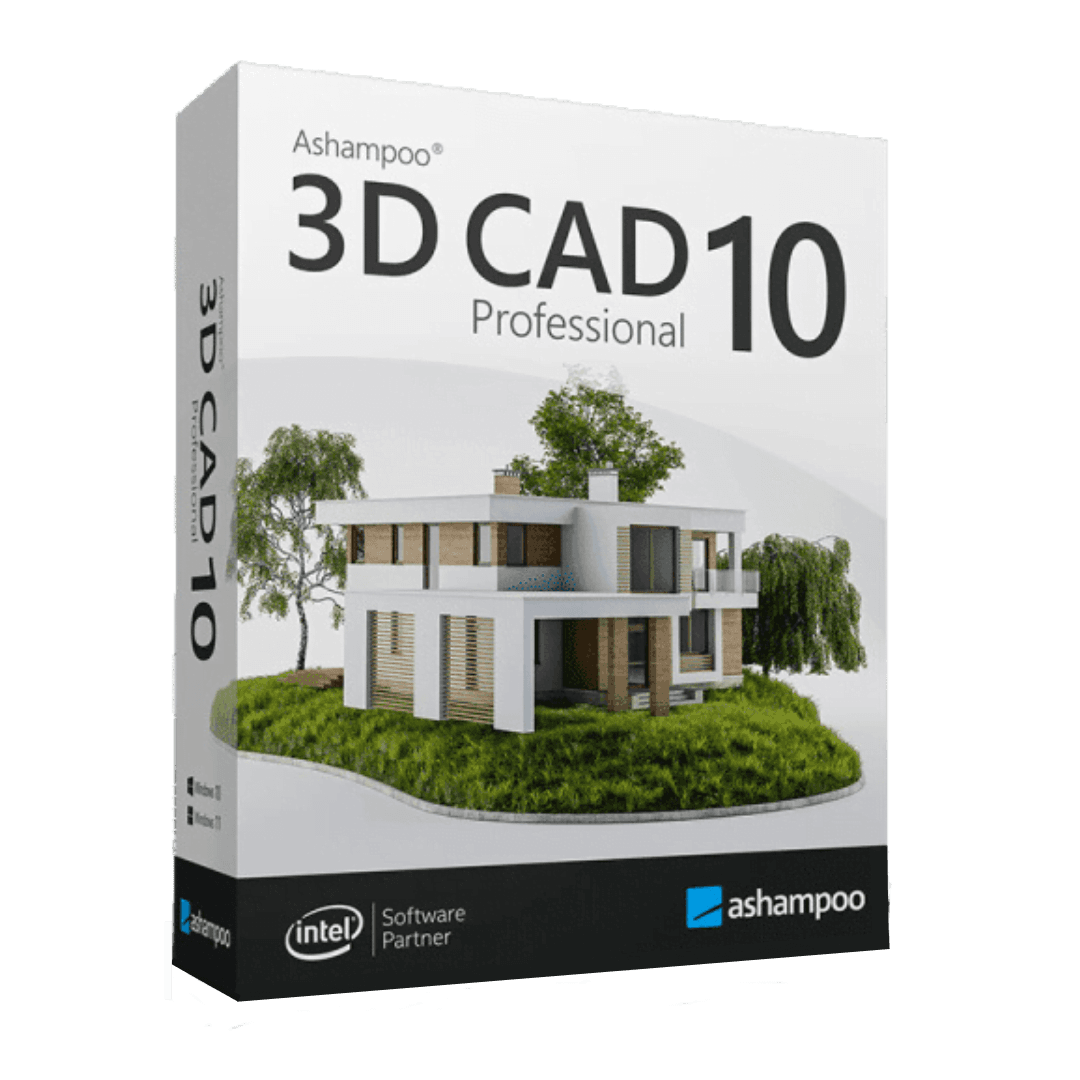

Ashampoo Cad Professional 10

Trusted Shops
Buyer Protection guaranteed refund
Original License Guaranteed by Licensel.com
| Language | Italian, Multi-Language |
|---|---|
| License Duration | Perpetual (no expiry) |
| Operating System | Windows |
| Users | 1 |
Ashampoo CAD Professional 10 is the 2D technical drawing software for anyone producing floor plans, sections, elevations and services diagrams with precise dimensions and standard symbols. It is designed for surveyors, designers, installers and technical offices that need a reliable CAD compatible with standard formats without bearing the cost of a professional subscription. The license is perpetual and is delivered with its product key.
Why choose Ashampoo Cad Professional 10
Technical drawing has precise rules: dimensions must update when a wall is moved, symbols must follow industry conventions, printing must respect scale and layers must separate structure, services and furnishings. Ashampoo CAD Professional 10 covers these needs with a traditional structure, familiar to anyone who has already worked with a CAD program.
The difference from professional CAD software sold on subscription lies in the licensing model and the price: here you buy once, with no annual renewals. Anyone producing technical drawings continuously but not needing advanced three-dimensional modelling or BIM workflows will find in this program a convenient balance between features and cost.
What Ashampoo Cad Professional 10 is and what it is for
Ashampoo CAD Professional 10 is a two-dimensional drawing environment with support for basic 3D modelling. You work on layers, with object snapping, absolute and relative coordinates, dimensions that update automatically and symbol libraries for construction, electrical and plumbing services.
The program reads and writes the DWG and DXF formats, so it fits smoothly into a workflow involving practices and firms using other CAD software. Printing handles the scales and large formats typical of mapping and project drawings, while the calculation functions derive areas and quantities directly from the drawing.
Key features
- Precision 2D drawing
Absolute and relative coordinates, object snapping, grids and geometric constraints to trace every element with millimetric accuracy. - Automatic dimensioning
Dimensions update by themselves when the measured element is modified, removing the errors typical of manual corrections. - Layers and drawing scales
Structure, services, furnishings and annotations on separate layers, with scale management to print the same drawing in different formats. - Libraries of standard symbols
Symbols for construction, electrical, plumbing and heating services following industry conventions, ready to insert. - DWG and DXF compatibility
Open drawings received from other practices and deliver yours in the industry standard format, with no conversion steps. - Scale printing
Management of large formats and representation scales, with a faithful preview of what will come out of the plotter. - Calculation of areas and quantities
Measurements and quantities derived directly from the drawing, useful for material estimating. - Basic 3D modelling
Extrusions and simple volumes to check the three-dimensional footprint of what has been drawn in plan.
Feature overview of Ashampoo Cad Professional 10
| Feature | Available |
|---|---|
| Precision 2D technical drawing | ✔ |
| Automatic dimensioning and standard symbols | ✔ |
| Layers and drawing scale management | ✔ |
| Symbol libraries for services and construction | ✔ |
| Compatibility with DWG and DXF | ✔ |
| Scale printing on large formats | ✔ |
| Calculation of areas and quantities | ✔ |
| Basic 3D modelling | ✔ |
Comparison: 3D Architecture 11 vs CAD Professional 10
| Feature | 3D Architecture 11 | CAD Professional 10 |
|---|---|---|
| Architectural building design | ✔ | ✔ |
| Precision 2D technical drawing | ✘ | ✔ |
| 3D modelling and virtual walkthrough | ✔ | ✘ |
| Interior furnishing with object catalogue | ✔ | ✘ |
| Dimensioning and standard symbols | ✘ | ✔ |
| Compatibility with DWG and DXF files | ✔ | ✔ |
| Photorealistic rendering | ✔ | ✘ |
| License | Perpetual | Perpetual |
System requirements
Ashampoo Cad Professional 10 is compatible with Windows 10 and Windows 11. For detailed requirements see the "Requirements" tab on the product page.
Why are licenses priced so low?
As these are retail licenses previously owned and decommissioned by the former holder in accordance with EU Court ruling C-128/2011, they can be purchased at a more affordable price. These official licenses are fully compliant and guaranteed at the best price on the market.
What do I receive after purchase?
By purchasing this product you will receive the official download of the software from the Ashampoo website, the license for activation and complete instructions for a correct installation.
Advantages of the Licensel License
- Fast delivery by email
You receive the license and the download link within a few minutes of your order. - Always free support
Our technicians assist you via Live Chat and email, at no additional cost. - Invoice included
The invoice is issued automatically once the purchase is complete. - Trusted Shops partner shop
The official Trusted Shops guarantee protects every purchase made on Licensel.
How to buy and activate
- Choose your edition
Select the version you need and complete your order in a few clicks. - Receive the license by email
Within a few minutes you receive the official download link and the license for activation. - Install and activate
Download the software from the manufacturer's official website and enter the license to complete activation. - Support included
For any question our technicians are available via Live Chat and email.
How to download and install Ashampoo Cad Professional 10
The download takes place from the official Ashampoo website through the link you receive by email. Download the installer, run it and follow the wizard: at the end the software asks for the license you received to complete activation. The license is tied to the device on which it is activated. If you prefer to be guided step by step, our technicians can assist you during installation.
Need help with installation?
No problem: our technicians are available via the Live Chat at the bottom right of the website to assist you in real time.
Frequently asked questions
What is the difference from Ashampoo 3D Architecture?
Is it compatible with AutoCAD files?
Is the license perpetual?
Is it suitable for services diagrams?
Does it work on Mac?
DIGITAL Delivery
Guaranteed instant delivery
Customer Support
Always available.
Money-back guarantee
Total satisfaction guarantee.
TrustedShops
Buy with certified confidence.





















