











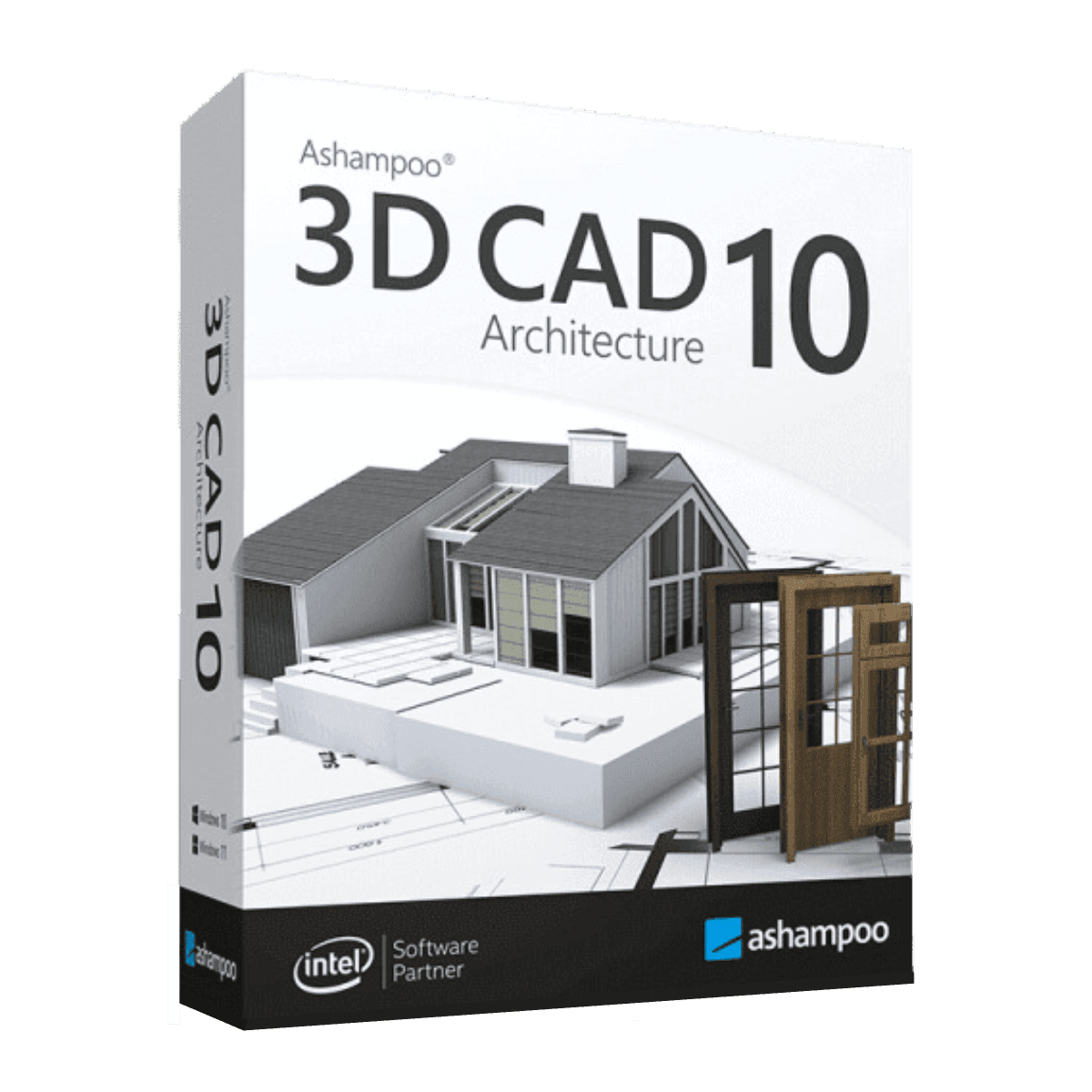

Ashampoo 3D Architecture 11

Trusted Shops
Buyer Protection guaranteed refund
Original License Guaranteed by Licensel.com
| Language | Italian, Multi-Language |
|---|---|
| License Duration | Perpetual (no expiry) |
| Operating System | Windows |
| Users | 1 |
Ashampoo 3D Architecture 11 is the architectural design software that lets you draw a building in plan and see it immediately in three dimensions, furnish it by choosing from a catalogue of objects and materials and finally walk through it virtually. It is designed for designers, surveyors, interior decorators and private users who need to present an idea in a way that is clear even to people who cannot read technical drawings. The license is perpetual and is delivered with its product key.
Why choose Ashampoo 3D Architecture 11
The value of this kind of software lies in the immediate step from plan to volume: you trace walls in two dimensions and the three-dimensional model builds itself, with roofs, floors, stairs and openings already consistent. Designers save the time of manual modelling, and whoever receives the project immediately understands how the space works without interpreting a technical drawing.
It is also a perpetual license, so you pay once with no annual fees: a substantial difference from professional CAD software sold on subscription. For anyone designing occasionally, renovating their own home or preparing presentations for clients, this ratio between cost and result is the main reason for the choice.
What Ashampoo 3D Architecture 11 is and what it is for
Ashampoo 3D Architecture 11 covers the entire path of a small and medium scale building project: drawing the plan with walls, doors, windows and stairs, automatic generation of the three-dimensional model, definition of roofs and floors, design of the surrounding terrain and finally interior furnishing.
The built-in catalogue provides furniture, bathroom fittings, doors, windows, floors and wall coverings to apply by dragging, with materials that respond correctly to light in the rendering. The finished project can be explored in first person through the virtual walkthrough, exported as a photorealistic image for the client or as DWG and DXF files for anyone continuing the work in other CAD programs.
Key features
- From plan to automatic 3D model
You trace walls in two dimensions and the three-dimensional volume is built at the same time, with heights, thicknesses and openings always consistent between the two views. - Catalogue of furnishings and materials
Furniture, bathroom fittings, doors, windows, floors and coverings ready to drag into the project, with materials that react correctly to light. - Virtual walkthrough of the project
Walk through the rooms in first person to check proportions, heights and circulation before work begins on site. - Photorealistic rendering
Presentation images with realistic lights, shadows and materials, useful for explaining the project to people who cannot read technical drawings. - Terrain design
Definition of the plot, level differences, paths, pools and surrounding greenery, to place the building in its real context. - Calculation of areas and volumes
The software automatically derives measurements, volumes and material quantities from the model, reducing estimating errors. - Import of existing floor plans
Start from a survey or a scan of the existing plan and trace over it to obtain the model of the property to be renovated. - Export to other programs
DWG and DXF formats to continue the work in other CAD software, plus images for the client presentation.
Feature overview of Ashampoo 3D Architecture 11
| Feature | Available |
|---|---|
| Building design in 2D and 3D | ✔ |
| Catalogue of furnishings and materials | ✔ |
| Virtual walkthrough of the project | ✔ |
| Photorealistic rendering | ✔ |
| Terrain and garden design | ✔ |
| Calculation of areas and volumes | ✔ |
| Import of existing floor plans | ✔ |
| Export to DWG, DXF and images | ✔ |
Comparison: 3D Architecture 11 vs CAD Professional 10
| Feature | 3D Architecture 11 | CAD Professional 10 |
|---|---|---|
| Architectural building design | ✔ | ✔ |
| Precision 2D technical drawing | ✘ | ✔ |
| 3D modelling and virtual walkthrough | ✔ | ✘ |
| Interior furnishing with object catalogue | ✔ | ✘ |
| Dimensioning and standard symbols | ✘ | ✔ |
| Compatibility with DWG and DXF files | ✔ | ✔ |
| Photorealistic rendering | ✔ | ✘ |
| License | Perpetual | Perpetual |
System requirements
Ashampoo 3D Architecture 11 is compatible with Windows 10 and Windows 11. For detailed requirements see the "Requirements" tab on the product page.
Why are licenses priced so low?
As these are retail licenses previously owned and decommissioned by the former holder in accordance with EU Court ruling C-128/2011, they can be purchased at a more affordable price. These official licenses are fully compliant and guaranteed at the best price on the market.
What do I receive after purchase?
By purchasing this product you will receive the official download of the software from the Ashampoo website, the license for activation and complete instructions for a correct installation.
Advantages of the Licensel License
- Fast delivery by email
You receive the license and the download link within a few minutes of your order. - Always free support
Our technicians assist you via Live Chat and email, at no additional cost. - Invoice included
The invoice is issued automatically once the purchase is complete. - Trusted Shops guarantee
Licensel is a Trusted Shops partner shop: every order is covered by the official buyer guarantee.
How to buy and activate
- Choose your edition
Select the version you need and complete your order in a few clicks. - Receive the license by email
Within a few minutes you receive the official download link and the license for activation. - Install and activate
Download the software from the manufacturer's official website and enter the license to complete activation. - Support included
For any question our technicians are available via Live Chat and email.
How to download and install Ashampoo 3D Architecture 11
The download takes place from the official Ashampoo website through the link you receive by email. Download the installer, run it and follow the wizard: at the end the software asks for the license you received to complete activation. The license is tied to the device on which it is activated. If you prefer to be guided step by step, our technicians can assist you during installation.
Need help with installation?
No problem: our technicians are available via the Live Chat at the bottom right of the website to assist you in real time.
Frequently asked questions
Do I need CAD experience to use it?
Is the license perpetual?
Can I open DWG files created with AutoCAD?
Is it also suitable for renovating my own home?
Does it work on Mac?
DIGITAL Delivery
Guaranteed instant delivery
Customer Support
Always available.
Money-back guarantee
Total satisfaction guarantee.
TrustedShops
Buy with certified confidence.





















