











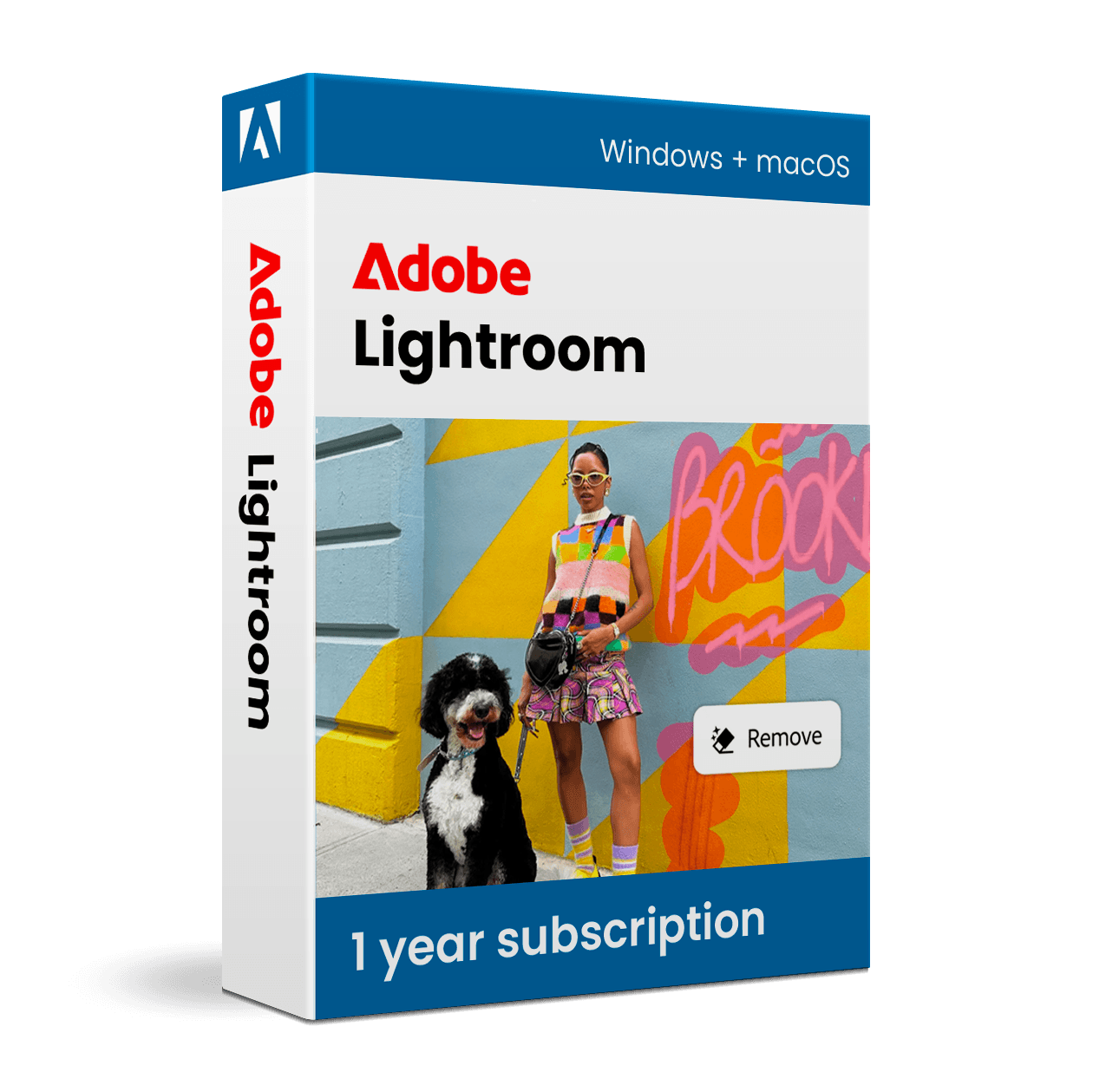

Adobe Lightroom

Trusted Shops
Buyer Protection guaranteed refund
Original License Guaranteed by Licensel.com
| Language | Italian, Multi-Language |
|---|---|
| License Duration | Annual (renewable) |
| Operating System | Windows and macOS |
| Users | 1 user, 2 devices |
Adobe Lightroom is the reference software for organising, developing and cataloguing large quantities of photographs non-destructively. Designed for photographers, reporters, content creators and enthusiasts, it combines archive management with one of the most complete RAW development engines on the market, with automatic synchronisation across computer, tablet and smartphone. The subscription is activated on the Adobe account and requires no manual entry of a product key.
Why choose Adobe Lightroom
The difference between Lightroom and an ordinary image editor lies in the way it works: Lightroom never modifies the original file, it records corrections as instructions applied in real time. That means you can change your mind about a shot's exposure months later, recover the initial version with one click and reapply the same development to hundreds of images in a single pass.
The other strength is archive management. Keywords, collections, ratings and filters make it possible to find one precise photograph in a catalogue of tens of thousands of shots, something impossible with operating system folders alone. For anyone working to commission this means faster delivery and an archive that stays searchable for years.
What Adobe Lightroom is and what it is for
Adobe Lightroom is the application that covers the entire photographic flow after the shot: import, selection, RAW development, cataloguing and export. The development engine works on exposure, white balance, curves, colour, sharpness and noise reduction, with automatic correction of the distortions typical of each lens.
The cloud version automatically synchronises shots and edits across every device linked to the account: you can start a selection on the studio computer, continue it on the tablet and show the result to the client from a smartphone, always finding the same state of progress. The mobile apps offer the same development tools as the desktop version.
Key features
- Non-destructive RAW development
Every correction is reversible and the original file stays intact: you can return to the starting shot at any time or create several versions of the same file. - Archive cataloguing
Keywords, collections, star ratings and filters to find any image in seconds, even in very large archives. - Automatic subject masking
Lightroom recognises sky, background, subject and people and lets you apply corrections only to that portion, with no manual selections. - Presets and batch development
Save your style as a preset and apply it to hundreds of shots in one pass, keeping an entire shoot consistent. - Automatic lens correction
Distortion, vignetting and chromatic aberration corrected according to the profile of the lens used, recognised from the shot data. - Synchronisation across devices
Photos and edits stay aligned across computer, tablet and smartphone, with no manual file copying. - Noise reduction and sharpening
Dedicated tools to rescue high-sensitivity shots and restore detail without introducing artefacts. - Flexible export
Colour profiles, resizing, watermark and multiple formats configurable in a single export step.
Feature overview of Adobe Lightroom
| Feature | Available |
|---|---|
| Non-destructive RAW development | ✔ |
| Cataloguing with keywords and collections | ✔ |
| Cloud synchronisation across devices | ✔ |
| Automatic subject masking | ✔ |
| Presets and batch editing | ✔ |
| Automatic lens correction | ✔ |
| iOS and Android mobile apps | ✔ |
| Export for print and web | ✔ |
Comparison: Photography Plan vs Lightroom
| Feature | Photography Plan | Lightroom |
|---|---|---|
| Lightroom (cloud) | ✔ | ✔ |
| Lightroom Classic (desktop) | ✔ | ✘ |
| Full Photoshop | ✔ | ✘ |
| Non-destructive RAW development | ✔ | ✔ |
| Synchronisation across devices | ✔ | ✔ |
| Advanced layer-based retouching | ✔ | ✘ |
| iOS and Android mobile apps | ✔ | ✔ |
| License type | Annual (renewable) | Annual (renewable) |
System requirements
Adobe Lightroom is compatible with Windows 10, Windows 11 and macOS. For compatibility with your macOS version and the detailed requirements, see the "Requirements" tab on the product page.
Why are licenses priced so low?
As these are retail licenses previously owned and decommissioned by the former holder in accordance with EU Court ruling C-128/2011, they can be purchased at a more affordable price. These official licenses are fully compliant and guaranteed at the best price on the market.
What do I receive after purchase?
By purchasing this product you will receive the official download of the software from the Adobe website, the license for activation and complete instructions for a correct installation.
Advantages of the Licensel License
- Fast delivery by email
You receive the license and the download link within a few minutes of your order. - Always free support
Our technicians assist you via Live Chat and email, at no additional cost. - Invoice included
The invoice is issued automatically once the purchase is complete. - Trusted Shops guarantee
Licensel is a Trusted Shops partner shop: every order is covered by the official buyer guarantee.
How to buy and activate
- Choose your edition
Select the version you need and complete your order in a few clicks. - Receive the license by email
Within a few minutes you receive the official download link and the license for activation. - Install and activate
Download the software from the manufacturer's official website and enter the license to complete activation. - Support included
For any question our technicians are available via Live Chat and email.
How to download and install Adobe Lightroom
After purchase you receive by email the instructions to activate the subscription on your Adobe account. Sign in at adobe.com, download the Creative Cloud desktop app and install Lightroom from there. On first launch the program automatically recognises the subscription linked to the account and synchronises the catalogue. The mobile apps are installed from the App Store or Google Play by signing in with the same credentials. If you prefer to be guided step by step, our technicians can assist you during activation.
Need help with installation?
No problem: our technicians are available via the Live Chat at the bottom right of the website to assist you in real time.
Frequently asked questions
What is the difference between Lightroom and Lightroom Classic?
Does Lightroom work without a connection?
Do I need to know Photoshop to work with Lightroom?
How is the subscription activated?
What happens to my photos when the subscription expires?
DIGITAL Delivery
Guaranteed instant delivery
Customer Support
Always available.
Money-back guarantee
Total satisfaction guarantee.
TrustedShops
Buy with certified confidence.





















