











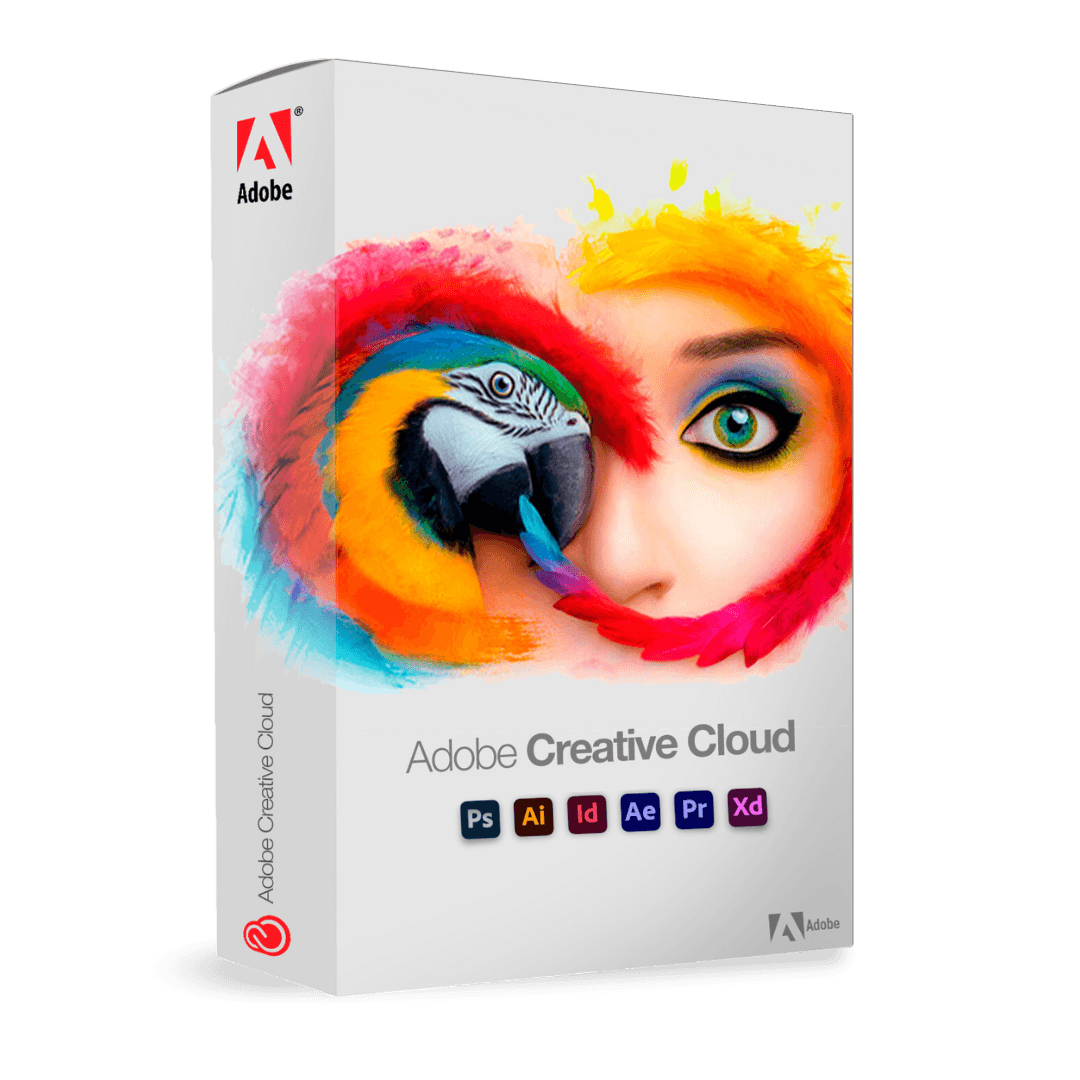

Adobe Creative Cloud - Tutte le Apps - Studente

Trusted Shops
Buyer Protection guaranteed refund
Original License Guaranteed by Licensel.com
Plan reserved for students and teachers: on activation Adobe requires verification of academic status through an institutional email address or a document from the school or university.
| Language | Italian, Multi-Language |
|---|---|
| License Duration | Annual (renewable) |
| Operating System | Windows and macOS |
| Users | 1 user, 2 devices |
Adobe Creative Cloud All Apps Student edition is the academic plan giving access to the entire Adobe creative catalogue: Photoshop, Illustrator, InDesign, Premiere Pro, After Effects, Acrobat Pro and the other professional applications, with cloud storage and Adobe Fonts included. It is intended for university students, secondary school students, course attendees and teachers who need to work with the same tools used in professional studios. The subscription is activated on the Adobe account and involves no product key to enter manually.
Why choose Adobe Creative Cloud - Tutte le Apps - Studente
Adobe applications are the standard required in graphics, design, architecture, communication, photography and video production courses: project files circulate in PSD, AI, INDD and PRPROJ formats and teachers build their assignments around these tools. The Student plan removes the barrier to entry, giving access to the same complete applications with no functional limitations compared with the professional version.
This is not a reduced edition: the applications are identical to those of the commercial plan, with the same features, the same formats and the same updates. Work produced during studies can therefore feed straight into a professional portfolio, with no watermarks and no export limitations. The only difference is the academic status verification Adobe requires at activation.
What Adobe Creative Cloud - Tutte le Apps - Studente is and what it is for
Adobe Creative Cloud All Apps Student edition is an annual subscription covering the entire Adobe catalogue of desktop and mobile applications, cloud storage, the Adobe Fonts typographic library and collaboration services. Applications are installed from the Creative Cloud desktop app, which manages updates and synchronisation of project files.
For students the value lies in covering the whole course of study: the same license serves for photo retouching in a photography class, for laying out a thesis, for editing a laboratory video and for preparing the final portfolio. Shared libraries and cloud synchronisation also make it possible to move from the university computer to the home one and find projects aligned.
Key features
- Complete Adobe catalogue
Photoshop, Illustrator, InDesign, Premiere Pro, After Effects, Lightroom, Acrobat Pro, Audition, Animate and the other professional applications, with no limitations compared with the commercial version. - No watermarks on your work
Exported files are identical to those produced with the professional version: no watermark and no reference to the academic edition, so they can be used in a portfolio. - Creative Cloud shared libraries
Colours, logos, character styles and assets remain available in every application, useful for keeping the materials of a single exam project consistent. - Adobe Fonts included
Thousands of type families you can activate with one click and use in theses, presentations and course projects. - Cloud storage and synchronisation
Projects stay aligned across devices: you start in the classroom and continue at home without copying files onto sticks or external drives. - Generative tools with artificial intelligence
The Firefly features built into Photoshop and Illustrator generate and expand images and create graphic variants starting from a text description. - Mobile apps included
Photoshop, Lightroom and Adobe Express on tablet and smartphone complete the workflow outside the classroom too. - Continuous updates included
Every new version released during the year of validity is covered by the subscription, at no extra cost.
Feature overview of Adobe Creative Cloud - Tutte le Apps - Studente
| Application | Area of use |
|---|---|
| Photoshop | Photo retouching, compositing and raster graphics |
| Illustrator | Vector graphics, logos and illustration |
| InDesign | Editorial layout, catalogues and brochures |
| Premiere Pro | Professional video editing |
| After Effects | Motion graphics and visual effects |
| Lightroom and Lightroom Classic | RAW development and photo cataloguing |
| Acrobat Pro | Creation, editing and signing of PDF documents |
| Animate and Character Animator | 2D animation and animated characters |
| Adobe Express and Firefly | Fast graphics and AI content generation |
Comparison: Creative Cloud
| Feature | All Apps | All Apps Student | Photography Plan |
|---|---|---|---|
| Photoshop and Lightroom | ✔ | ✔ | ✔ |
| Illustrator, InDesign, Premiere Pro | ✔ | ✔ | ✘ |
| After Effects, Audition, Animate | ✔ | ✔ | ✘ |
| Acrobat Pro included | ✔ | ✔ | ✘ |
| Adobe Fonts and shared libraries | ✔ | ✔ | ✔ |
| Cloud storage | ✔ | ✔ | ✔ |
| Student status verification | Not required | Required | Not required |
| Available durations | 1 month, 3 months, 1 year | 1 year | 1 year |
| License type | Subscription | Subscription | Subscription |
System requirements
Adobe Creative Cloud - Tutte le Apps - Studente is compatible with Windows 10, Windows 11 and macOS. For compatibility with your macOS version and the detailed requirements, see the "Requirements" tab on the product page.
Why are licenses priced so low?
As these are retail licenses previously owned and decommissioned by the former holder in accordance with EU Court ruling C-128/2011, they can be purchased at a more affordable price. These official licenses are fully compliant and guaranteed at the best price on the market.
What do I receive after purchase?
By purchasing this product you will receive the official download of the software from the Adobe website, the license for activation and complete instructions for a correct installation.
Advantages of the Licensel License
- Fast delivery by email
You receive the license and the download link within a few minutes of your order. - Always free support
Our technicians assist you via Live Chat and email, at no additional cost. - Invoice included
The invoice is issued automatically once the purchase is complete. - Trusted Shops partner shop
The official Trusted Shops guarantee protects every purchase made on Licensel.
How to buy and activate
- Choose your edition
Select the version you need and complete your order in a few clicks. - Receive the license by email
Within a few minutes you receive the official download link and the license for activation. - Install and activate
Download the software from the manufacturer's official website and enter the license to complete activation. - Support included
For any question our technicians are available via Live Chat and email.
How to download and install Adobe Creative Cloud - Tutte le Apps - Studente
After purchase you receive by email the instructions to activate the subscription on your Adobe account and to complete the academic status verification. Sign in at adobe.com, download the Creative Cloud desktop app and install it: from there you choose which applications to install. On first launch each program automatically recognises the subscription linked to the account. If you prefer to be guided step by step, our technicians can assist you during activation and verification.
Need help with installation?
No problem: our technicians are available via the Live Chat at the bottom right of the website to assist you in real time.
Frequently asked questions
Who can buy the Student edition?
Are the applications limited compared with the professional version?
What happens when I finish my studies?
How is the subscription activated?
On how many devices can I install the applications?
DIGITAL Delivery
Guaranteed instant delivery
Customer Support
Always available.
Money-back guarantee
Total satisfaction guarantee.
TrustedShops
Buy with certified confidence.





















