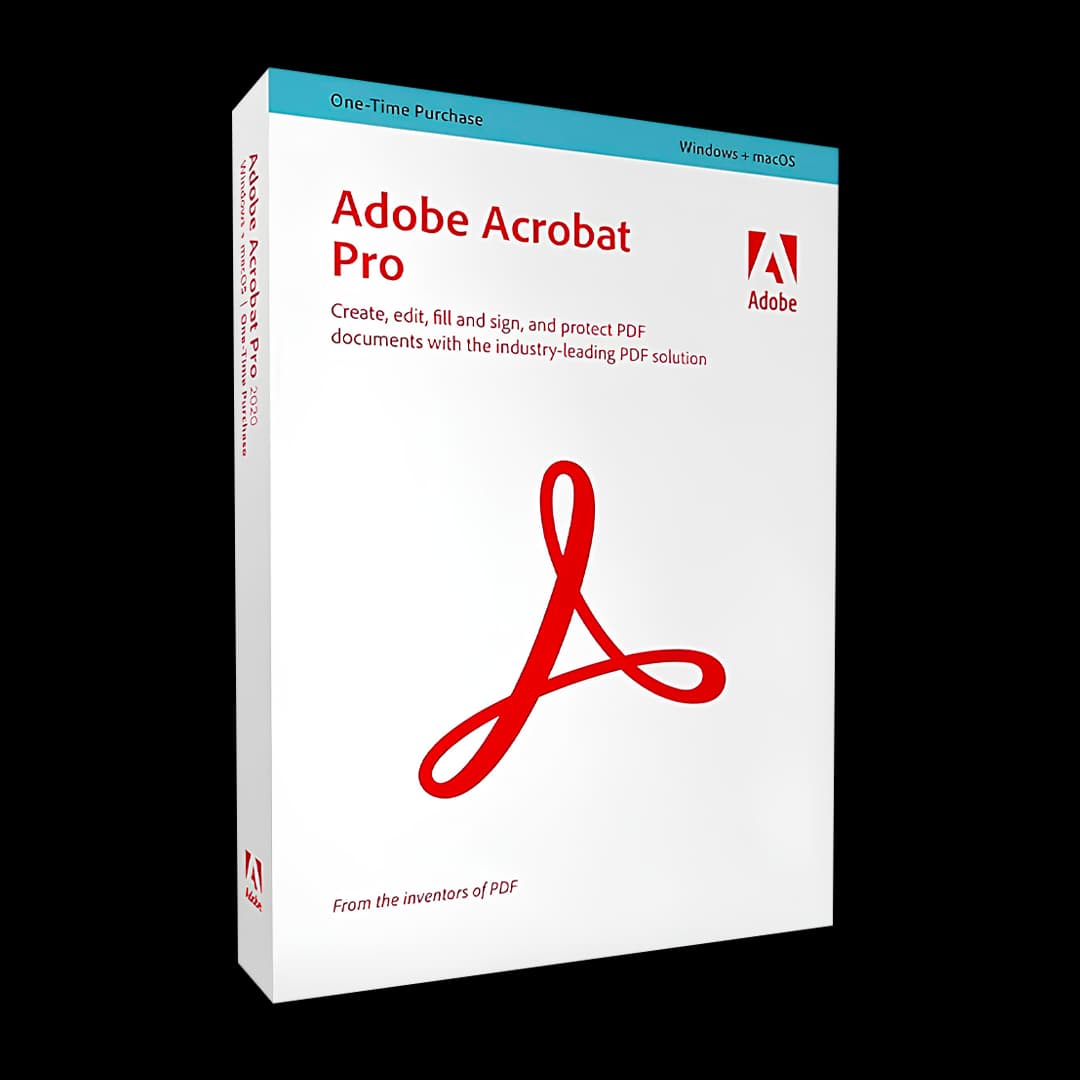

Adobe Acrobat Standard - Pro

Trusted Shops
Buyer Protection guaranteed refund
Original License Guaranteed by Licensel.com
Official Adobe annual subscription, available in the Standard and Pro editions: select the edition you need among the variants available on this page.
| Language | Italian, Multi-Language |
|---|---|
| License Duration | Annual (renewable) |
| Operating System | Windows and macOS |
| Users | 1 |
Adobe Acrobat on annual subscription is the always up-to-date edition of the reference PDF software, available in the Standard and Pro editions. Unlike the perpetual versions, the subscription includes continuous updates, cloud services and mobile apps for working on documents from computer, tablet and smartphone. It is the choice of professional firms, businesses and freelancers who need the latest features and access to their documents anywhere. The license is activated on the Adobe account and requires no product key to be entered manually.
Why choose Adobe Acrobat Standard - Pro
The difference between subscription and perpetual license is not only about price: the subscription brings everything Adobe releases during the year, from new editing features to tools based on artificial intelligence, plus the cloud storage that keeps documents synchronised across all devices. A contract started at the office is reviewed on a tablet on the train and signed from the phone, with no manual file transfers.
The choice between Standard and Pro depends on the type of work. Standard covers the entire everyday document flow: create, edit, convert, protect and sign. Pro adds the review and compliance tools: automatic comparison between two versions of a document, irreversible redaction of confidential information, PDF/UA accessibility checking and Preflight controls with the PDF/A and PDF/X standards. Pro is also the only edition available for macOS and for editing PDFs from a mobile device.
What Adobe Acrobat Standard - Pro is and what it is for
Adobe Acrobat is the application used to create, edit and manage any PDF document. It converts Office files, images, web pages and scans into PDF, takes the PDF back to Word, Excel or PowerPoint keeping the layout, merges several documents into an ordered file and protects them with passwords and granular permissions.
The subscription version adds the cloud component: documents are available in the Acrobat app for iOS and Android, signature requests are tracked in real time and files stay synchronised across desktop, web and mobile. For firms that receive documents signed by clients and suppliers, this means a fully digital flow, from receipt to archiving.
Key features
- Complete PDF editing
Work on text, images, tables and page order directly in the document, with automatic text reflow and recognition of the fonts already present in the file. - Faithful conversion to and from Office
Create PDFs from any document and take the PDF back into Word, Excel or PowerPoint preserving layout, tables and lists. - OCR and full text search
Optical character recognition makes scans searchable in dozens of languages, turning paper archives into consultable documents. - Electronic signature and signature collection
Sign documents and send signature requests to several recipients, following the status of each request in real time and receiving a notification on completion. - Cloud services and synchronisation
Documents stay aligned across computer, browser and mobile app: you start a review at the office and finish it elsewhere without copying files. - Mobile app for iOS and Android
View, annotate, sign and organise PDFs from tablet and smartphone. The Pro edition also allows text editing from a mobile device. - Continuous updates included
Every new feature released by Adobe during the validity period is included in the subscription, at no extra cost. - Protection and access control
Encrypt documents, set opening passwords and define in detail what each recipient may do with the file.
Feature overview of Adobe Acrobat Standard - Pro
| Feature | Available |
|---|---|
| PDF creation from Office, images and scans | ✔ |
| Editing of text, images and pages | ✔ |
| Export to Word, Excel, PowerPoint | ✔ |
| OCR and full text search | ✔ |
| Electronic signature and signature collection | ✔ |
| Password and permission protection | ✔ |
| Cloud storage and synchronisation | ✔ |
| Updates and new features included | ✔ |
Comparison: Acrobat Standard vs Acrobat Pro
| Feature | Acrobat Standard | Acrobat Pro |
|---|---|---|
| PDF creation, editing and conversion | ✔ | ✔ |
| Electronic signature and signature requests | ✔ | ✔ |
| Continuous updates included | ✔ | ✔ |
| Automatic comparison between two PDFs | ✘ | ✔ |
| Redaction and hidden data removal | ✘ | ✔ |
| PDF/UA accessibility check | ✘ | ✔ |
| Preflight and PDF/A, PDF/X standards | ✘ | ✔ |
| Operating system | Windows | Windows and macOS |
| License type | Annual (renewable) | Annual (renewable) |
System requirements
Adobe Acrobat Standard - Pro is compatible with Windows 10, Windows 11 and macOS. For compatibility with your macOS version and the detailed requirements, see the "Requirements" tab on the product page.
Why are licenses priced so low?
As these are retail licenses previously owned and decommissioned by the former holder in accordance with EU Court ruling C-128/2011, they can be purchased at a more affordable price. These official licenses are fully compliant and guaranteed at the best price on the market.
What do I receive after purchase?
By purchasing this product you will receive the official download of the software from the Adobe website, the license for activation and complete instructions for a correct installation.
Advantages of the Licensel License
- Fast delivery by email
You receive the license and the download link within a few minutes of your order. - Always free support
Our technicians assist you via Live Chat and email, at no additional cost. - Invoice included
The invoice is issued automatically once the purchase is complete. - Trusted Shops partner shop
The official Trusted Shops guarantee protects every purchase made on Licensel.
How to buy and activate
- Choose your edition
Select the version you need and complete your order in a few clicks. - Receive the license by email
Within a few minutes you receive the official download link and the license for activation. - Install and activate
Download the software from the manufacturer's official website and enter the license to complete activation. - Support included
For any question our technicians are available via Live Chat and email.
How to download and install Adobe Acrobat Standard - Pro
After purchase you receive by email the instructions to activate the subscription on your Adobe account. Sign in at adobe.com with the indicated account, download Acrobat from the dedicated section and install it: on first launch the software automatically recognises the subscription linked to the account, with no codes to type. From then on you can also install the app on tablets and smartphones by signing in with the same credentials. If you prefer to be guided step by step, our technicians can assist you during activation.
Need help with installation?
No problem: our technicians are available via the Live Chat at the bottom right of the website to assist you in real time.
Frequently asked questions
What is the difference between Acrobat Standard and Acrobat Pro?
What is the difference between the subscription and the perpetual 2020 version?
How is the subscription license activated?
What happens to my PDFs when the subscription expires?
On how many devices can I use the subscription?
DIGITAL Delivery
Guaranteed instant delivery
Customer Support
Always available.
Money-back guarantee
Total satisfaction guarantee.
TrustedShops
Buy with certified confidence.