









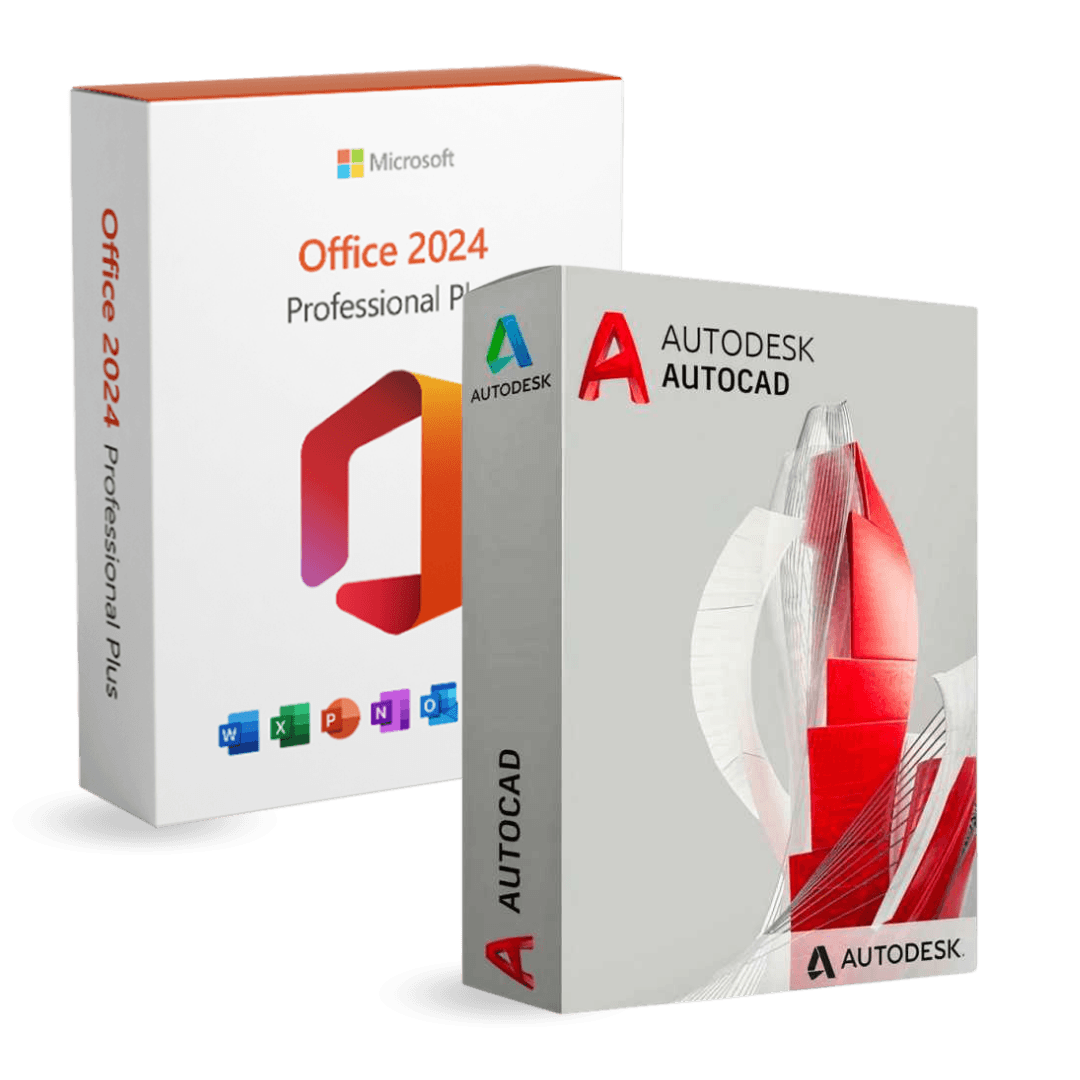

Office 2024 Professional Plus + AutoCAD 2027

Trusted Shops
Buyer Protection guaranteed refund
Office 2024 Professional Plus + AutoCAD 2027 Original Education License
Best Price Guaranteed by Licensel.com, Invoice Included and Always Free Support
| Language | Multi-Language |
|---|---|
| Validity | Office: perpetual | AutoCAD: 3 years |
| Content | Office 2024 Professional Plus + AutoCAD 2027 |
| Devices | 1 |
The Office 2024 Professional Plus + AutoCAD 2027 package brings together in a single purchase the productivity suite and the technical drawing program: Office 2024 Professional Plus with a perpetual license and AutoCAD 2027 in the Education version with a three-year license. You will receive two separate activation codes, one per product.
Why choose Office 2024 Professional Plus + AutoCAD 2027
Anyone working on technical projects spends the day between two kinds of file: the drawings and the documents that go with them, that is bills of quantities, reports, quotations and correspondence. Both tools are needed, and buying them together costs less than taking them separately.
The two licenses are however of a different nature and it is worth knowing beforehand: Office stays yours forever, while AutoCAD lasts three years, at the end of which it must be renewed to keep using the program.
What Office 2024 Professional Plus + AutoCAD 2027 is and what it is for
Office 2024 Professional Plus is the perpetual version of the suite: Word, Excel, PowerPoint, Outlook, Access and OneNote installed on the computer and usable without a connection. Being the perpetual license version, it does not include the cloud features and the artificial intelligence tools reserved for Microsoft 365 subscriptions.
AutoCAD 2027 is the Autodesk technical drawing program for 2D and 3D modelling, with the DWG format as the industry exchange standard. The license supplied in this package is the Education version, intended for students and teachers, lasting three years.
Making the technical drawing talk to the office documents
- A drawing view inside a report is pasted as a fixed image
Pasting the drawing as an editable object makes the document heavy and breaks it on the computer of somebody without the drawing program. - The right format for printing is the one that does not break up
A vector image or an inserted PDF keeps the lines sharp at any enlargement. A screen capture becomes unreadable as soon as it is printed. - The parts list is born in the drawing and ends in the spreadsheet
Extracting the data from the drawing's objects instead of retyping it removes the commonest source of error between design and costing. - If the drawing changes, the document has to be regenerated
A pasted image stays put for ever. You need a rule on who redoes the figures at every revision, otherwise the report describes a design that no longer exists. - To the client you send a PDF, not the drawing file
The PDF opens everywhere, is not changed by mistake and does not give away the work in reusable form. The native file goes to whoever really has to work on it. - Scales have to be declared in the document
A figure reduced to fit the page is no longer to scale. Writing it under the image stops somebody taking measurements off the sheet with a ruler. - The drawing's fonts and the document's must not quarrel
A sheet with text in one technical font and a report in another give a careless impression. It is a detail decided once for all the jobs. - What cannot be fully automated
The choice of which view explains a detail best. That stays a judgement of whoever writes the report, not an export.
Feature overview of Office 2024 Professional Plus + AutoCAD 2027
| Feature | Included |
|---|---|
| Suite and drawing program on the same computer | ✔ |
| Security updates included for both | ✔ |
| Program language selectable during the installation | ✔ |
| Collections of ready templates for both programs | ✔ |
| Compatibility with the files received from outside practices | ✔ |
| No physical media to keep | ✔ |
| Reinstallation possible on the same machine | ✔ |
| Help with activating the two codes | ✔ |
Comparison: Office 2024 Professional Plus and AutoCAD 2027
| Characteristic | Office 2024 Professional Plus | AutoCAD 2027 |
|---|---|---|
| Word, Excel, PowerPoint and Outlook | ✔ | ✘ |
| Access and OneNote | ✔ | ✘ |
| 2D technical drawing and 3D modelling | ✘ | ✔ |
| Files in DWG format | ✘ | ✔ |
| License type | Perpetual | Three-year |
| Version supplied | Professional Plus | Education |
| Dedicated activation code | ✔ | ✔ |
| Official download from the manufacturer | ✔ | ✔ |
System requirements
Both programs run on Windows 10 and Windows 11. AutoCAD 2027 requires more resources than Office: a recent processor, at least 8 GB of RAM (16 GB recommended for 3D), a DirectX 12 compatible graphics card and about 10 GB of disk space. For detailed requirements see the "Requirements" tab on the product page.
Why are licenses priced so low?
As these are retail licenses previously owned and decommissioned by the former holder in accordance with EU Court ruling C-128/2011, they can be purchased at a more affordable price. These official licenses are fully compliant and guaranteed at the best price on the market.
What do I receive after purchase?
By purchasing this product you will receive the official download of the software from the Microsoft website, the license for activation and complete instructions for a correct installation.
Advantages of the Licensel License
- Fast delivery by email
You receive the license and the download link within a few minutes of your order. - Always free support
Our technicians assist you via Live Chat and email, at no additional cost. - Invoice included
The invoice is issued automatically once the purchase is complete. - Trusted Shops: guaranteed purchase
Licensel is part of Trusted Shops, which protects your purchase with the official buyer guarantee.
How to buy and activate
- Choose your edition
Select the version you need and complete your order in a few clicks. - Receive the license by email
Within a few minutes you receive the official download link and the license for activation. - Install and activate
Download the software from the manufacturer's official website and enter the license to complete activation. - Support included
For any question our technicians are available via Live Chat and email.
How to download and install Office 2024 Professional Plus + AutoCAD 2027
After purchase you receive by email two separate licenses and the instructions for both products. Office is downloaded from the Microsoft website and activated by entering the first license. For AutoCAD you sign in to the Autodesk portal with the second license, download the program from your account and complete the activation. Our technicians can guide you through both procedures.
Need help with installation?
No problem: our technicians are available via the Live Chat at the bottom right of the website to assist you in real time.
Frequently asked questions
Do I receive one code or two?
Do the two licenses last the same?
Which version of AutoCAD is included?
How does it differ from the subscription version?
What are the requirements?
DIGITAL Delivery
Guaranteed instant delivery
Customer Support
Always available.
Money-back guarantee
Total satisfaction guarantee.
TrustedShops
Buy with certified confidence.





















