









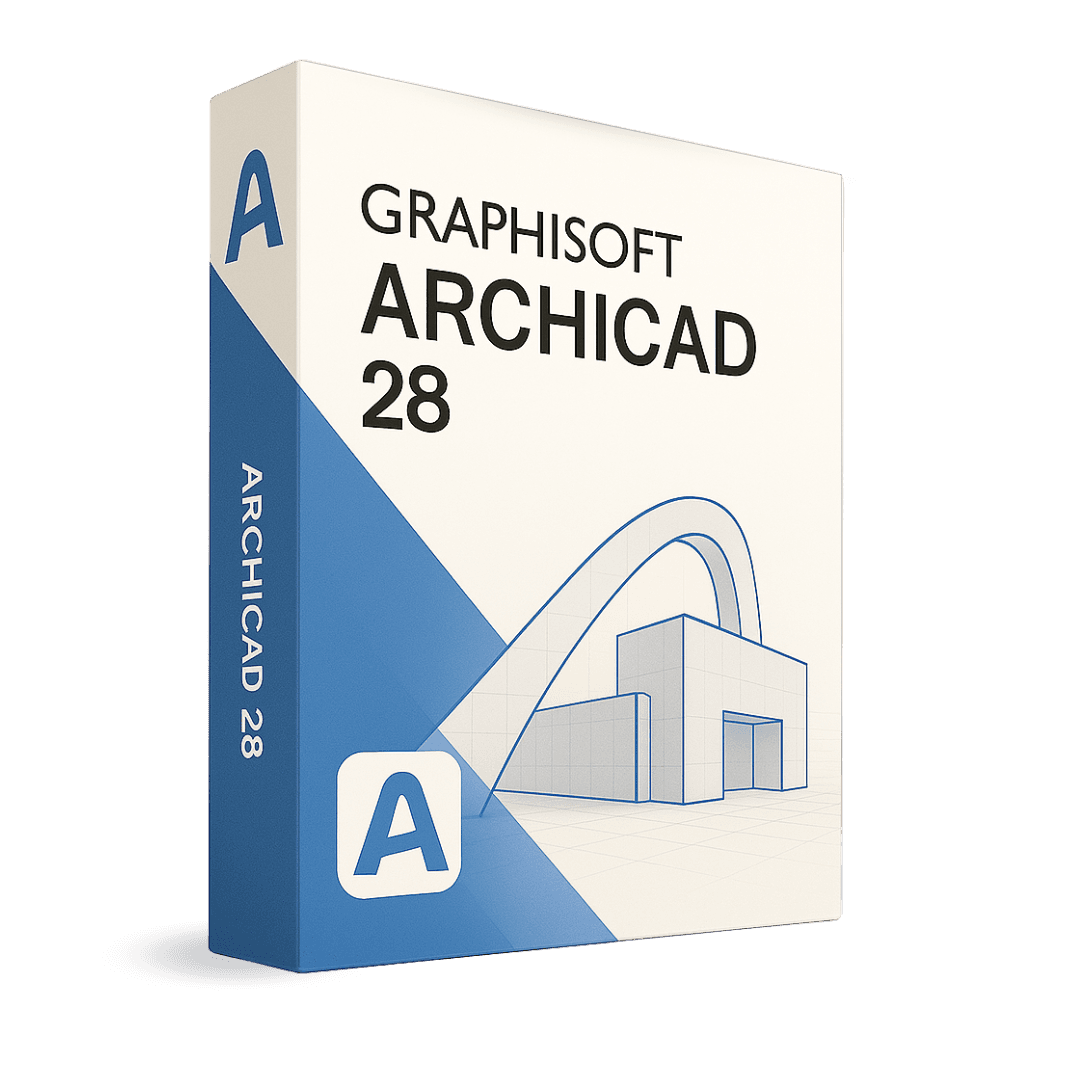
Graphisoft Archicad 29

Trusted Shops
Buyer Protection guaranteed refund
Graphisoft Archicad 29 Original Annual License for Windows and Mac
Trusted Shops Guarantee, Fast Email Delivery and Technical Support Included
| Language | Italian |
|---|---|
| License Duration | Annual (renewable) |
| Operating System | Windows and macOS |
| Users | 1 |
Graphisoft Archicad 29 is the BIM design software for architects and engineers: you build a model of the building and from it plans, sections, elevations, schedules and take-offs derive automatically. It is the tool of architecture practices, designers and technical offices working on coordinated projects. The license is annual and is available for Windows and macOS.
Why choose Graphisoft Archicad 29
The difference between drawing and modelling lies in what happens when the project changes. With a traditional CAD, moving a window means correcting the plan, then the section, then the elevation, then the window schedule: four separate operations, with the real risk that one is forgotten and the drawings no longer match.
In Archicad the window is an element of the model: you move it once and every drawing updates together. This is why BIM has established itself in coordinated design, where the cost of misalignment between drawings is paid on site. The model also holds material information, from which take-offs and quantities are derived with no separate calculation.
What Graphisoft Archicad 29 is and what it is for
Archicad 29 builds an information model of the building in which every element, from wall to beam to window, has real properties: dimensions, build-up, material, performance. Plans, sections and elevations are not independent drawings but views of the same model, and all update when the model changes.
From the model come window schedules, quantity take-offs, areas and volumes, along with laid-out drawings and construction details. Clash detection flags points where different elements occupy the same space, while IFC exchange makes it possible to coordinate work with structural and services engineers using other programs. Built-in rendering produces presentation images without leaving the software.
Archicad and Revit: what really changes
- Archicad also runs on Mac
It is the difference that decides on its own in many practices: Revit exists only for Windows, Archicad works natively on macOS and on Windows. A Mac practice does not have to buy PCs for BIM. - The way of modelling is closer to drawing
Walls, floors and roofs are built with tools resembling those of architectural drafting. Anyone coming from 2D takes less time to become productive than moving to a pure parametric modeller. - Revit also covers structure and services
Autodesk puts architecture, structures and services in the same program. Archicad concentrates on architecture, and for the other disciplines it relies on IFC exchange with whoever does them. - Exchange between the two goes through IFC
Neither reads the other's native format. IFC carries geometry and information between the two worlds, which is why it has to be looked after: a badly exported IFC costs days to whoever receives it. - The perpetual license still exists here
Autodesk sells Revit only on periodic renewal. Graphisoft keeps the perpetual license alongside the timed one, and for a practice planning over ten years the difference shows. - Team working works differently
Archicad uses a project server everybody connects to, and synchronises only the differences: it works well even on slow links or between separate offices. - The file you receive most often is RVT
In the countries where Revit has the larger share, the models that arrive are its own. Before choosing, it is worth looking at what the clients and consultants you actually work with use. - What does not change between the two
They are both real BIM, and neither is a reduced version of the other: the choice is not between BIM and no BIM, it is between two ways of doing it.
Feature overview of Graphisoft Archicad 29
| Feature | Included |
|---|---|
| A library of parametric objects already included | ✔ |
| Several designers working on the same model | ✔ |
| Saved views that update by themselves | ✔ |
| Title blocks and sheets laid out inside the program | ✔ |
| Study of shading and sunlight | ✔ |
| Model viewable on a tablet on site | ✔ |
| Objects customisable with the internal language | ✔ |
| Export towards the structural calculation programs | ✔ |
Comparison: traditional CAD and BIM design
| Characteristic | Traditional CAD | Archicad (BIM) |
|---|---|---|
| Drawing plans, sections and elevations | ✔ | ✔ |
| Single model from which all drawings derive | ✘ | ✔ |
| Automatic updating of the drawings | ✘ | ✔ |
| Elements carrying information (materials, costs) | ✘ | ✔ |
| Automatic take-off of quantities and areas | ✘ | ✔ |
| Clash detection between elements | ✘ | ✔ |
| Exchange with other software through IFC | Partial | ✔ |
| Built-in rendering | ✘ | ✔ |
System requirements
Graphisoft Archicad 29 is compatible with Windows 10, Windows 11 and macOS. For compatibility with your macOS version and the detailed requirements, see the "Requirements" tab on the product page.
Why are licenses priced so low?
As these are retail licenses previously owned and decommissioned by the former holder in accordance with EU Court ruling C-128/2011, they can be purchased at a more affordable price. These official licenses are fully compliant and guaranteed at the best price on the market.
What do I receive after purchase?
By purchasing this product you will receive the official download of the software from the Graphisoft website, the license for activation and complete instructions for a correct installation.
Advantages of the Licensel License
- Fast delivery by email
You receive the license and the download link within a few minutes of your order. - Always free support
Our technicians assist you via Live Chat and email, at no additional cost. - Invoice included
The invoice is issued automatically once the purchase is complete. - Trusted Shops guarantee
Licensel is a Trusted Shops partner shop: every order is covered by the official buyer guarantee.
How to buy and activate
- Choose your edition
Select the version you need and complete your order in a few clicks. - Receive the license by email
Within a few minutes you receive the official download link and the license for activation. - Install and activate
Download the software from the manufacturer's official website and enter the license to complete activation. - Support included
For any question our technicians are available via Live Chat and email.
How to download and install Graphisoft Archicad 29
After purchase you receive the license and the download instructions for the Graphisoft site by email. Download the package for Windows or macOS, start the installation and activate the license you received. On first launch you can start from an empty template or import an existing project. If you prefer to be guided step by step, our technicians can assist you during installation.
Need help with installation?
No problem: our technicians are available via the Live Chat at the bottom right of the website to assist you in real time.
Frequently asked questions
What is the difference between Archicad and a traditional CAD?
Can I exchange files with people using other BIM programs?
Does it work on Mac?
Is the quantity take-off automatic?
Is the license annual?
DIGITAL Delivery
Guaranteed instant delivery
Customer Support
Always available.
Money-back guarantee
Total satisfaction guarantee.
TrustedShops
Buy with certified confidence.





















