









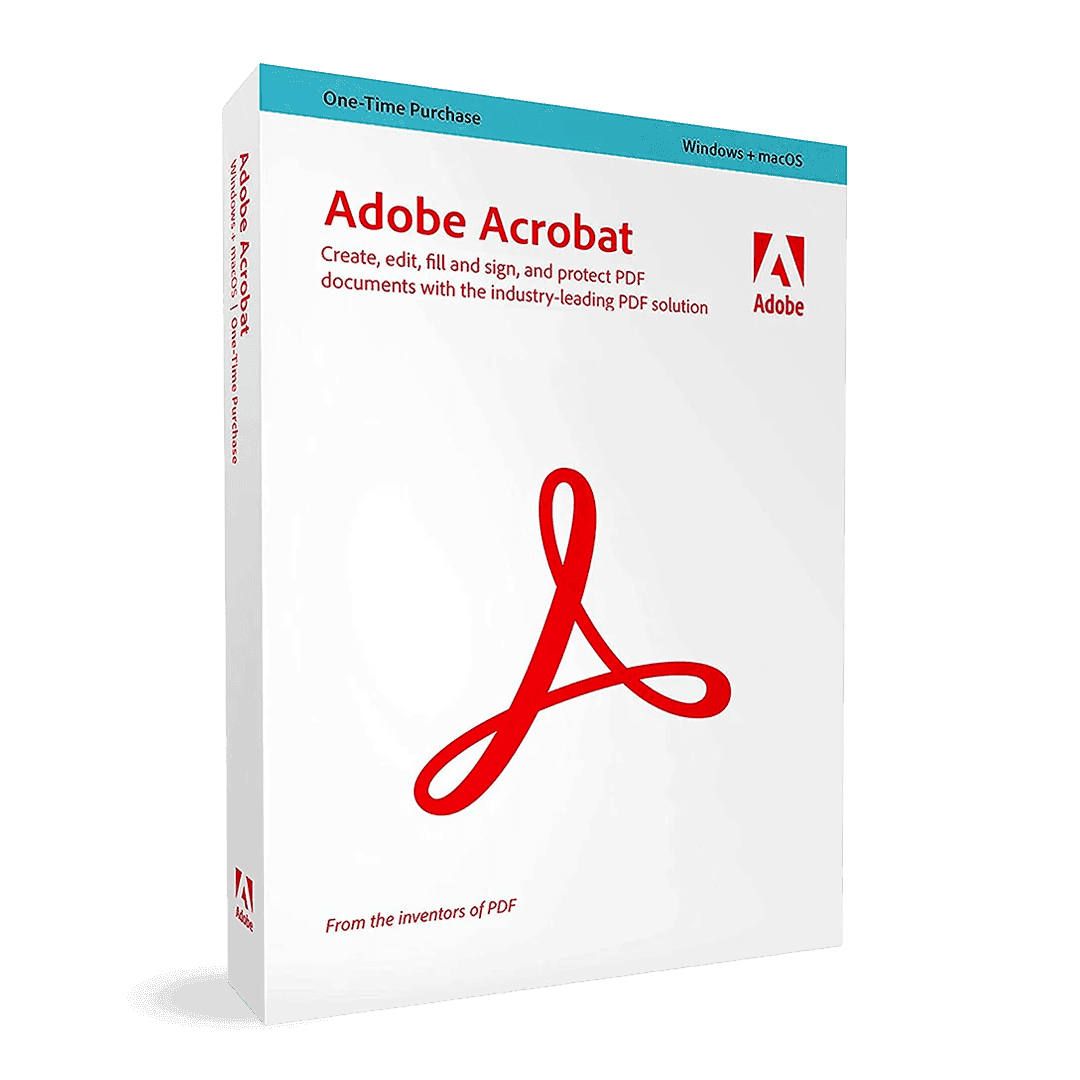

Adobe Acrobat Standard

Trusted Shops
Buyer Protection guaranteed refund
Adobe Acrobat Standard Original License for 1, 3 or 12 Months
Best Price Guaranteed by Licensel.com, Invoice Included and Always Free Support
| Language | Italian, Multi-Language |
|---|---|
| License Duration | 1, 3 or 12 months |
| Operating System | Windows, macOS, Android and iOS |
| Users | 1 |
Adobe Acrobat Standard is the edition for everyday PDF work, with a timed license of 1, 3 or 12 months: it creates and edits documents, converts them to Word, Excel and PowerPoint, merges and reorders pages and handles electronic signatures and forms. It runs on computer, phone and tablet.
Why choose Adobe Acrobat Standard
Most PDF work is made of ordinary operations: fixing a typo in a document already laid out, merging three files into one, removing a page, sending it back signed. These come up every day and cannot be done with a free reader.
Acrobat Standard covers exactly this band, without the document control tools needed only by those working on confidential contracts or on files to be archived to standard. The timed license lets you take it for a month when needed, and the twelve-month version costs less per month.
What Adobe Acrobat Standard is and what it is for
Acrobat Standard creates PDF from any document and edits its text and images directly, without going back to the source file. It converts to Word, Excel and PowerPoint keeping layout, tables and styles, and recognises the text of scans so that it becomes selectable and searchable.
On page handling it does everything needed: merging several files, splitting one, reordering, rotating and deleting pages, adding numbering and watermarks. Electronic signature, collection of other people's signatures, fillable forms and password protection complete the set.
The time-limited license is activated on the Adobe account and, while it is valid, the program receives every update. When it expires Acrobat goes back to working as a simple reader: the PDFs already created stay yours and open as before, while editing, conversion and merging stop until a new period is activated on the same account.
Signatures on a PDF: which ones count and which are just a drawing
- The image of a signature is not a signature
Pasting a scan of your own name produces a drawing. Anybody can cut it out and put it on another document: it proves nothing. - A digital signature is a calculation, not an image
It ties the content of the document to a certificate. If somebody changes a comma afterwards, verification says so at once. - The certificate says who you are, and who vouches for it
A certificate issued by a recognised authority counts differently from one created on your own, which is only good for internal use. - The timestamp answers the question when
Without one, the date is that of the clock of the computer that signed. With the stamp, it is that of an independent service. - Signing last is not neutral
Every signature covers everything that was there before. In a document with several signatories, the order is part of the agreement, not a detail. - A signed document cannot be changed without it showing
Further signatures and permitted annotations can be added, but the text stays locked. That is precisely the service it offers. - The recipient has to be able to verify
Whoever receives it checks the signature with a free reader. If the certificate chain is not recognised, the document appears unverified even though it is intact. - What the program does not decide
Whether a signature has legal value is established by the rules of the country and the kind of certificate, not by the software that applies it.
Feature overview of Adobe Acrobat Standard
| Feature | Included |
|---|---|
| Comments and highlights shared with the reviewers | ✔ |
| Filling in and signing a form you have received | ✔ |
| Password protection on opening the document | ✔ |
| Export of individual pages as images | ✔ |
| Scanning from the phone with the linked application | ✔ |
| Documents synchronised between computer, tablet and phone | ✔ |
| Bookmarks and links inside the document | ✔ |
| Searchable text in scanned documents too | ✔ |
Comparison: Acrobat Standard and Acrobat Pro
| Feature | Standard | Pro |
|---|---|---|
| PDF creation and editing | ✔ | ✔ |
| Conversion to Word, Excel and PowerPoint | ✔ | ✔ |
| Electronic signature and signature collection | ✔ | ✔ |
| Merging, splitting and reordering pages | ✔ | ✔ |
| Automatic comparison between two PDF | ✘ | ✔ |
| Redaction and removal of hidden data | ✘ | ✔ |
| PDF/UA accessibility check | ✘ | ✔ |
| Preflight and PDF/A and PDF/X standards | ✘ | ✔ |
System requirements
Adobe Acrobat Standard is compatible with Windows, macOS, Android and iOS. For the detailed requirements see the "Requirements" tab on the product page.
Why are licenses priced so low?
As these are retail licenses previously owned and decommissioned by the former holder in accordance with EU Court ruling C-128/2011, they can be purchased at a more affordable price. These official licenses are fully compliant and guaranteed at the best price on the market.
What do I receive after purchase?
By purchasing this product you will receive the official download of the software from the Adobe website, the license for activation and complete instructions for a correct installation.
Advantages of the Licensel License
- Fast delivery by email
You receive the license and the download link within a few minutes of your order. - Always free support
Our technicians assist you via Live Chat and email, at no additional cost. - Invoice included
The invoice is issued automatically once the purchase is complete. - Trusted Shops guarantee
Licensel is a Trusted Shops partner shop: every order is covered by the official buyer guarantee.
How to buy and activate
- Choose your edition
Select the version you need and complete your order in a few clicks. - Receive the license by email
Within a few minutes you receive the official download link and the license for activation. - Install and activate
Download the software from the manufacturer's official website and enter the license to complete activation. - Support included
For any question our technicians are available via Live Chat and email.
How to download and install Adobe Acrobat Standard
After purchase you receive by email the license and the instructions. Sign in with your Adobe ID, redeem the license and download Adobe Acrobat Standard from the Adobe website: the program activates by recognising the account, and the same credentials work for the apps on phone and tablet.
Need help with installation?
No problem: our technicians are available via the Live Chat at the bottom right of the website to assist you in real time.
Frequently asked questions
What is the difference from Acrobat Pro?
How long does the license last?
Does it work on Mac and on a phone?
Does it recognise the text of scans?
Is there a perpetual version?
DIGITAL Delivery
Guaranteed instant delivery
Customer Support
Always available.
Money-back guarantee
Total satisfaction guarantee.
TrustedShops
Buy with certified confidence.





















