









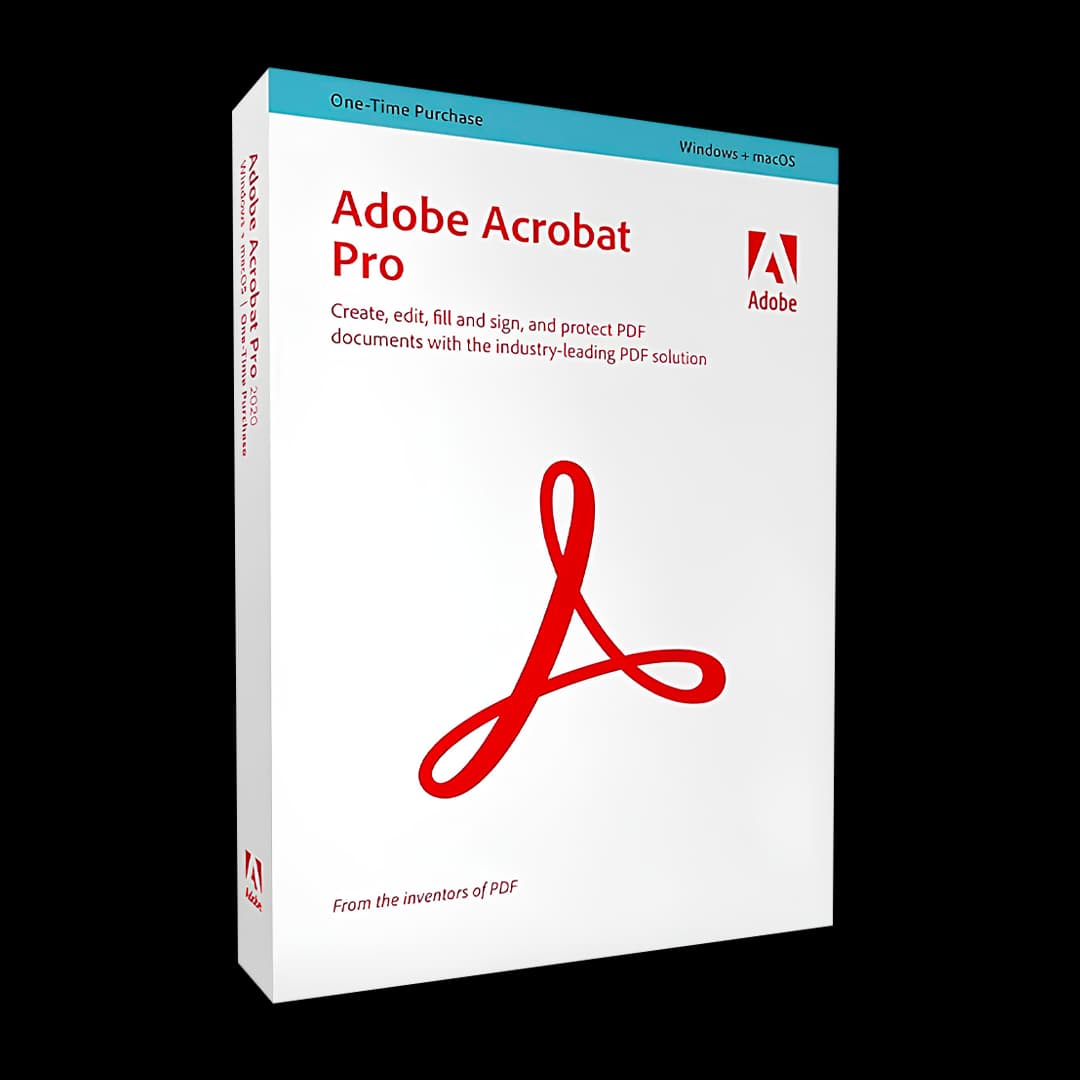

Adobe Acrobat Pro

Trusted Shops
Buyer Protection guaranteed refund
Adobe Acrobat Pro Original License for 1, 3 or 12 Months
Trusted Shops Guarantee, Fast Email Delivery and Technical Support Included
| Language | Italian, Multi-Language |
|---|---|
| License Duration | 1, 3 or 12 months |
| Operating System | Windows, macOS, Android and iOS |
| Users | 1 |
Adobe Acrobat Pro is the complete edition of the reference PDF program, with a timed license of 1, 3 or 12 months. On top of creating and editing documents it adds the tools you need when the file goes to someone who has requirements: a print shop, a public body, a legal department. It runs on computer, phone and tablet.
Why choose Adobe Acrobat Pro
There are documents where a mistake cannot be corrected afterwards: a contract where data meant to be hidden stays visible, a revision where nobody notices a clause has changed, a file the public authority rejects because it does not meet the archiving standard. These are the cases where the Pro edition is needed.
Automatic comparison puts two versions side by side and flags the differences, redaction genuinely removes the text instead of covering it with a black rectangle, and preflight checks the file before it is handed over. The timed license lets you take Pro for the month you need it, without committing to a year.
What Adobe Acrobat Pro is and what it is for
Acrobat Pro creates PDF from any document, edits its text and images directly, converts them to Word, Excel and PowerPoint keeping the layout, and handles electronic signatures and fillable forms. The professional part is grafted onto this ground common to every edition.
Comparison finds the differences between two versions of the same document; redaction permanently removes confidential text and metadata; the PDF/UA check verifies accessibility; preflight certifies conformity to the PDF/A archiving and PDF/X printing standards. The license covers computer, phone and tablet.
How to prepare a PDF the printer accepts on the first send
- Fonts have to be embedded, all of them
If one font stays out, the press substitutes another and the text changes length. It is the number one reason a file comes back. - Images at 72 points per inch only look right on screen
For paper you need at least three hundred points per inch at the final size. Enlarging a small image does not add detail, it adds blur. - The colour on the screen is not the colour on paper
A document meant for the monitor uses a mixture of light, printing uses four inks. The conversion has to be done beforehand, not left to the press. - The trim margin is designed, not improvised
Whoever prints cuts the paper with a tolerance of a few millimetres: the background must run off the edge, and the text must sit comfortably inside. - Transparencies are flattened before delivery
Shadows and overlaps can behave differently on the printer's system. Fixing them in the file removes the surprise. - The preflight check does in a minute what the eye does not
An automatic check finds low resolution images, missing fonts and colours out of place before the supplier does. - The exchange profile exists exactly for this
There are profiles meant for printing that block from the start the things that break the job. Asking the printer which one they use avoids every argument. - What the PDF does not fix
If the original has a grainy image or text in a colour that disappears in print, no export puts it right. The problem goes back to the source document.
Feature overview of Adobe Acrobat Pro
| Feature | Included |
|---|---|
| Text recognition in scans in several languages | ✔ |
| Sequential numbering for legal bundles | ✔ |
| Collection of several files into one navigable document | ✔ |
| Cropping and straightening of the scanned pages | ✔ |
| Export of the form data into a spreadsheet | ✔ |
| Sequences of operations repeatable on many files | ✔ |
| Commands built into the office suite's programs | ✔ |
| Reading the document aloud | ✔ |
Comparison: Acrobat Standard and Acrobat Pro
| Feature | Standard | Pro |
|---|---|---|
| PDF creation and editing | ✔ | ✔ |
| Conversion to Word, Excel and PowerPoint | ✔ | ✔ |
| Electronic signature and signature collection | ✔ | ✔ |
| Merging, splitting and reordering pages | ✔ | ✔ |
| Automatic comparison between two PDF | ✘ | ✔ |
| Redaction and removal of hidden data | ✘ | ✔ |
| PDF/UA accessibility check | ✘ | ✔ |
| Preflight and PDF/A and PDF/X standards | ✘ | ✔ |
System requirements
Adobe Acrobat Pro is compatible with Windows, macOS, Android and iOS. For the detailed requirements see the "Requirements" tab on the product page.
Why are licenses priced so low?
As these are retail licenses previously owned and decommissioned by the former holder in accordance with EU Court ruling C-128/2011, they can be purchased at a more affordable price. These official licenses are fully compliant and guaranteed at the best price on the market.
What do I receive after purchase?
By purchasing this product you will receive the official download of the software from the Adobe website, the license for activation and complete instructions for a correct installation.
Advantages of the Licensel License
- Fast delivery by email
You receive the license and the download link within a few minutes of your order. - Always free support
Our technicians assist you via Live Chat and email, at no additional cost. - Invoice included
The invoice is issued automatically once the purchase is complete. - Trusted Shops guarantee
Licensel is a Trusted Shops partner shop: every order is covered by the official buyer guarantee.
How to buy and activate
- Choose your edition
Select the version you need and complete your order in a few clicks. - Receive the license by email
Within a few minutes you receive the official download link and the license for activation. - Install and activate
Download the software from the manufacturer's official website and enter the license to complete activation. - Support included
For any question our technicians are available via Live Chat and email.
How to download and install Adobe Acrobat Pro
After purchase you receive by email the license and the instructions. Sign in with your Adobe ID, redeem the license and download Adobe Acrobat Pro from the Adobe website: the program activates by recognising the account, and the same credentials work for the apps on phone and tablet.
Need help with installation?
No problem: our technicians are available via the Live Chat at the bottom right of the website to assist you in real time.
Frequently asked questions
What is the difference from Acrobat Standard?
How long does the license last?
Does it work on Mac and on a phone?
Does redaction really remove the text?
Is there a perpetual version?
DIGITAL Delivery
Guaranteed instant delivery
Customer Support
Always available.
Money-back guarantee
Total satisfaction guarantee.
TrustedShops
Buy with certified confidence.





















